
Deals Set Up
This Technical Setup Guide provides the configuration steps required to manage and publish the Deals function within the TRIFFT Cockpit.
| Topic / function | Deals |
|---|---|
| Audience | CRM / Marketing Ops / Implementation |
| Goal | Provide step-by-step setup for creating promotional offers and coupon-based incentives |
| Prereq systems | TRIFFT Cockpit, Shopify (for coupon sync), Active Mobile App or Web Portal |
What you will learn
This guide covers how to set up promotional deals in the TRIFFT Cockpit from scratch, including managing coupon code distribution, setting time-bound validity, and segmenting visibility.
Prerequisites
- Access: Ensure you have the Admin or Editor role to access the Content and Coupons modules in the Cockpit.
- Data: Confirm that the required Segments (e.g., "Frequent Buyers") exist for targeted visibility.
- Integrations: If using dynamic discounts, ensure your Shopify or POS integration is active to validate coupon codes.
- Assets: Prepare a primary deal image and the list of coupon codes (if using a static pool).
Creating a new Deal
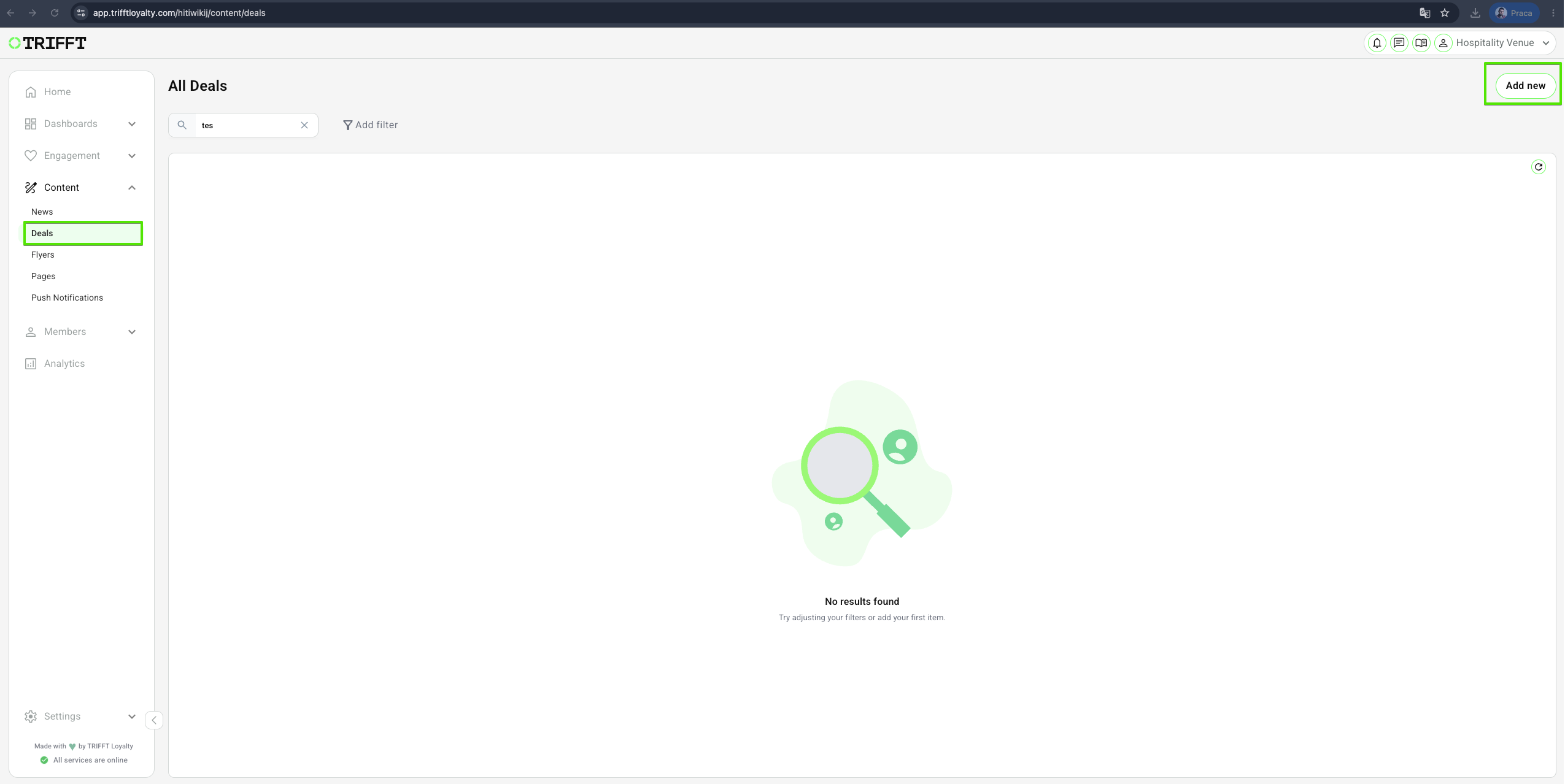
- Navigate to Content Cockpit > Content > Deals
- Click Add New in the top-right corner.
Fill in Deal details
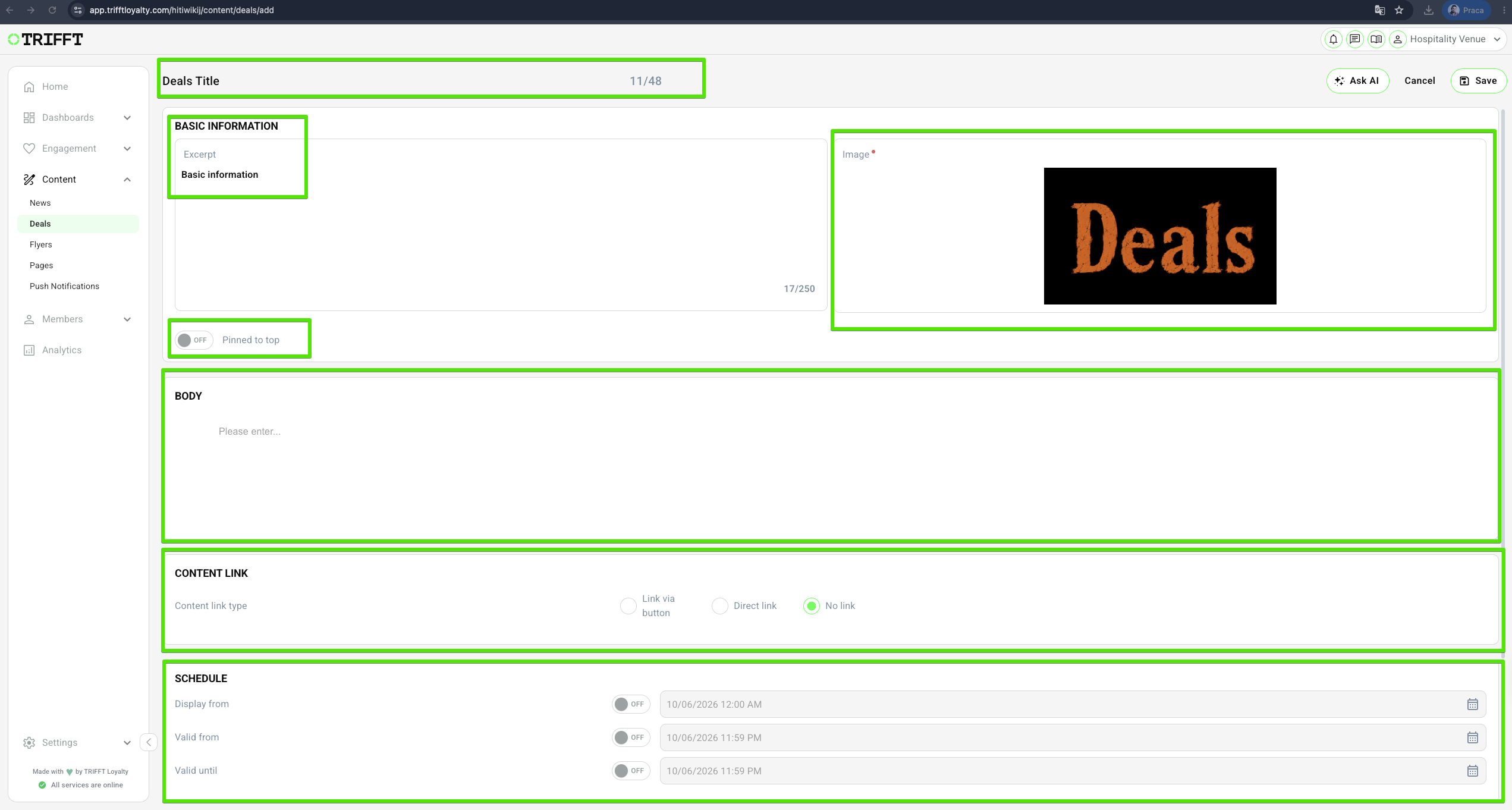
- Enter a descriptive Deals Title for internal reference.
- Enter Excerpt- this text serves as the preview for the Deal before members click to open it.
- Upload image
- Pinned to top(optional) - turn this toggle "On" if you want to display this Deal at the top, ahead of other Deals.
- Complete the Body text - this text is featured in the main body of the Deal once members open it.
- Content link
- Schedule- set the dates: Display from, Valid from, Valid until
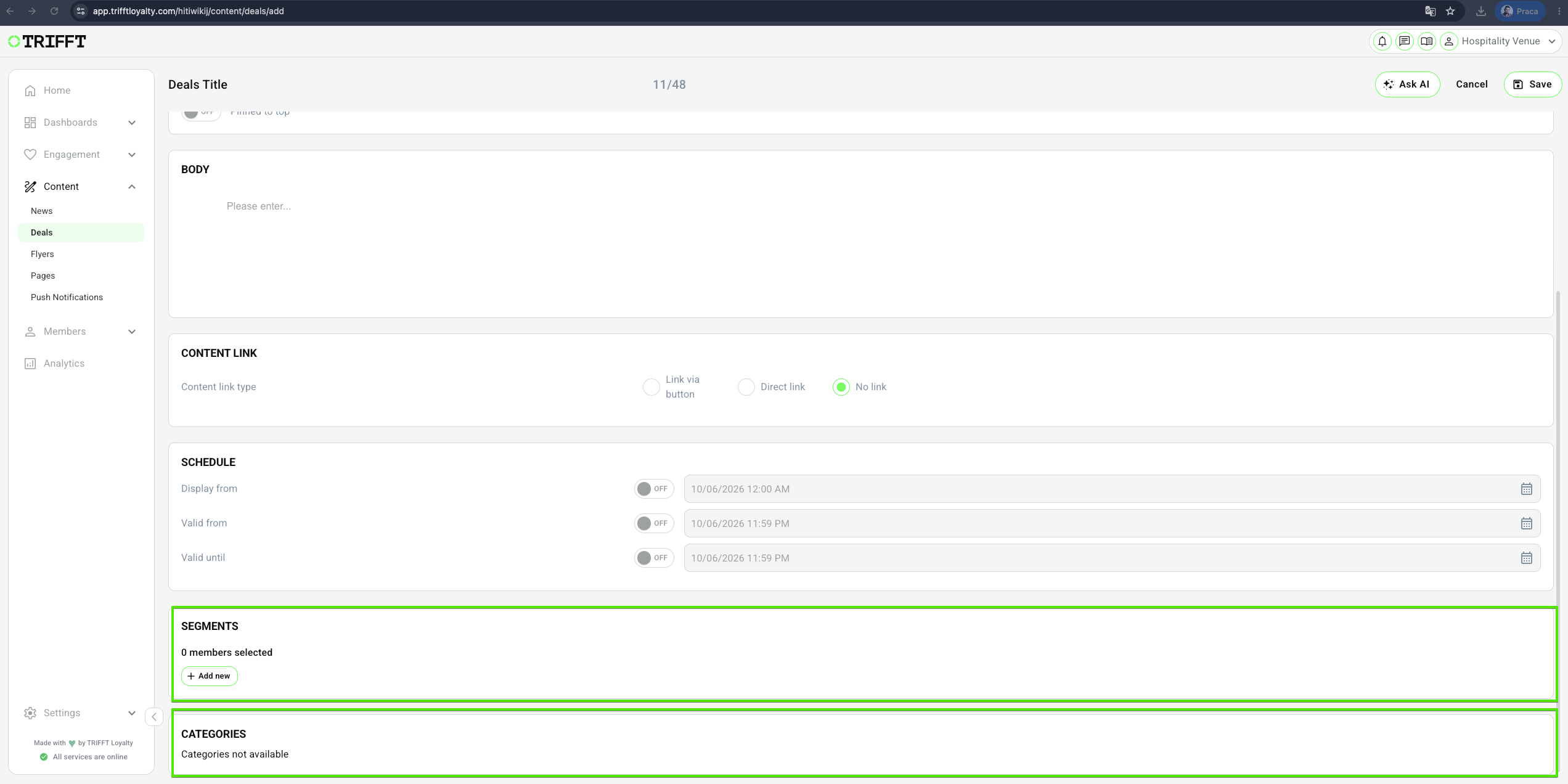
- Add Segments - more information on segments
- Add Categories - more information on categories
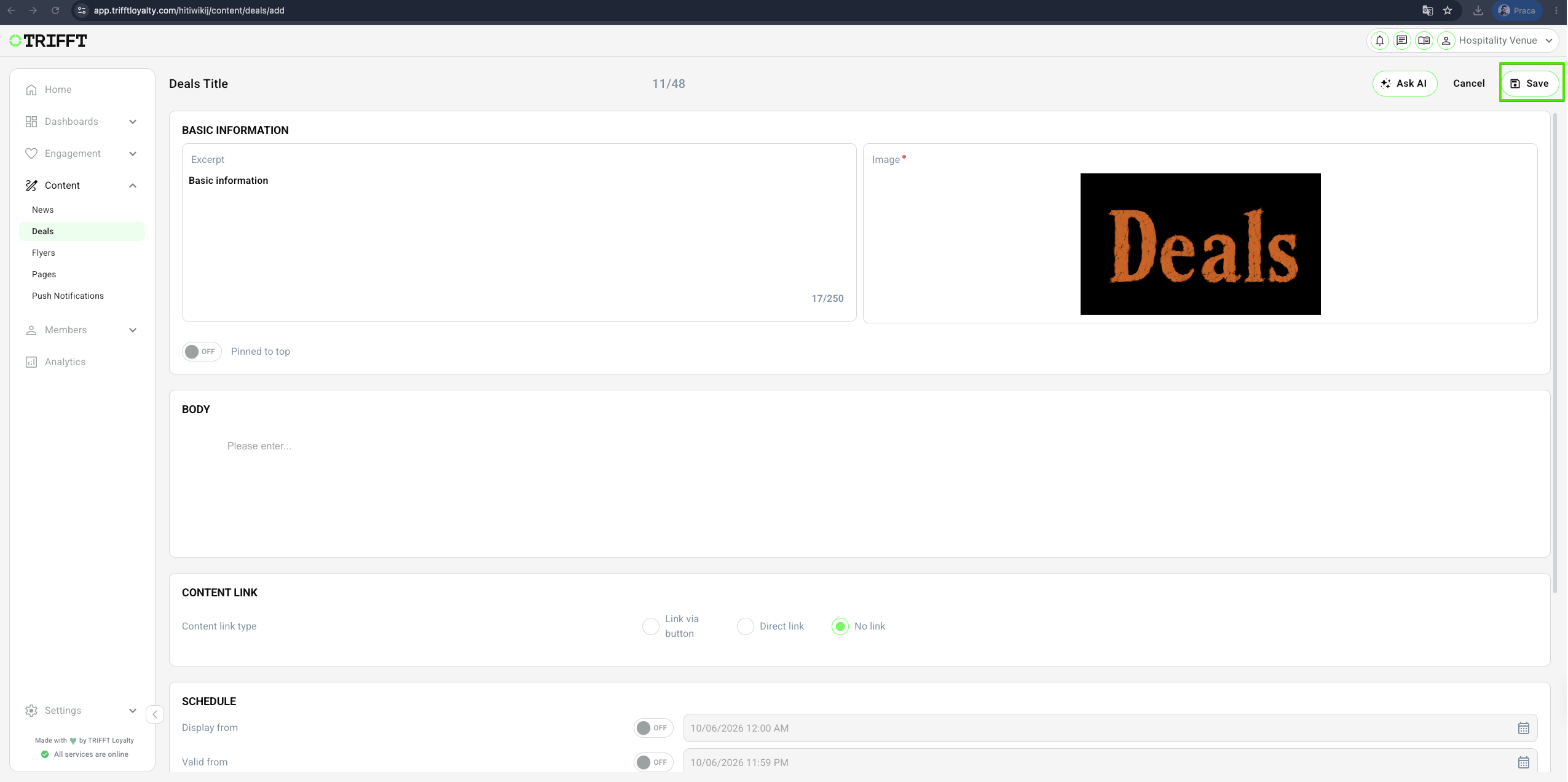
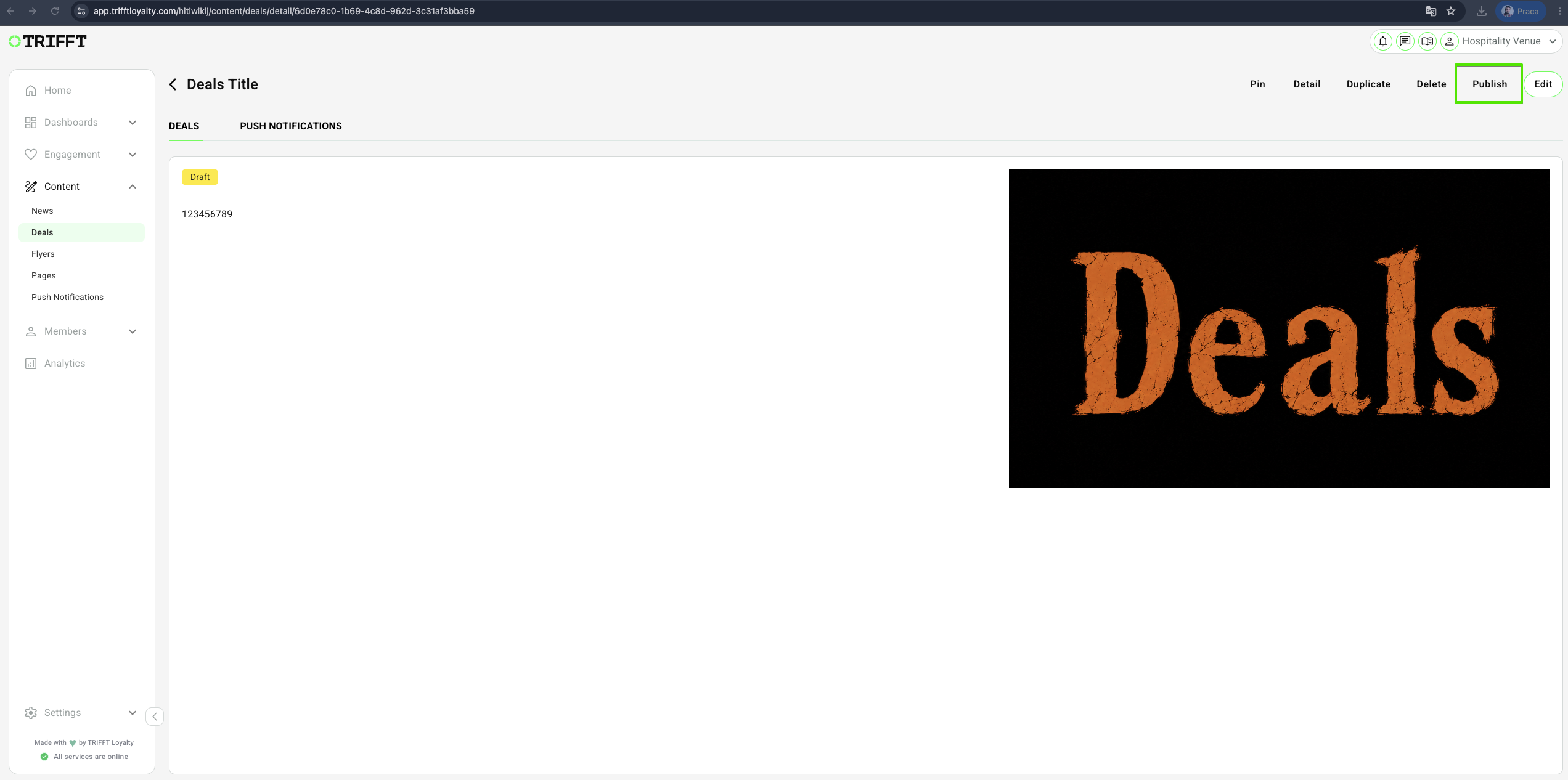
- Save the Deal and Publish
Configuration checklist
- Audience Definition: Targeted segments are correctly applied to prevent budget bleed from unintended redemptions.
- Validity Guardrails: Start/End dates align with your broader marketing calendar to avoid stock issues.
- Deep Linking: If promoting via Push, ensure the Push Notification is deep-linked directly to this specific Deal ID.
Updated about 1 month ago
Did this page help you?