
Loyalty Mechanics Set Up
This guide covers how to set up Loyalty Mechanics in TRIFFT from scratch, including validation steps
Step-by-step setup
2. Navigate to Loyalty Mechanics
- Go to the main sidebar and select Engagemenet > Mechanics.
3. Choose the type of Loyalty Mechanic
- Select one of the options:
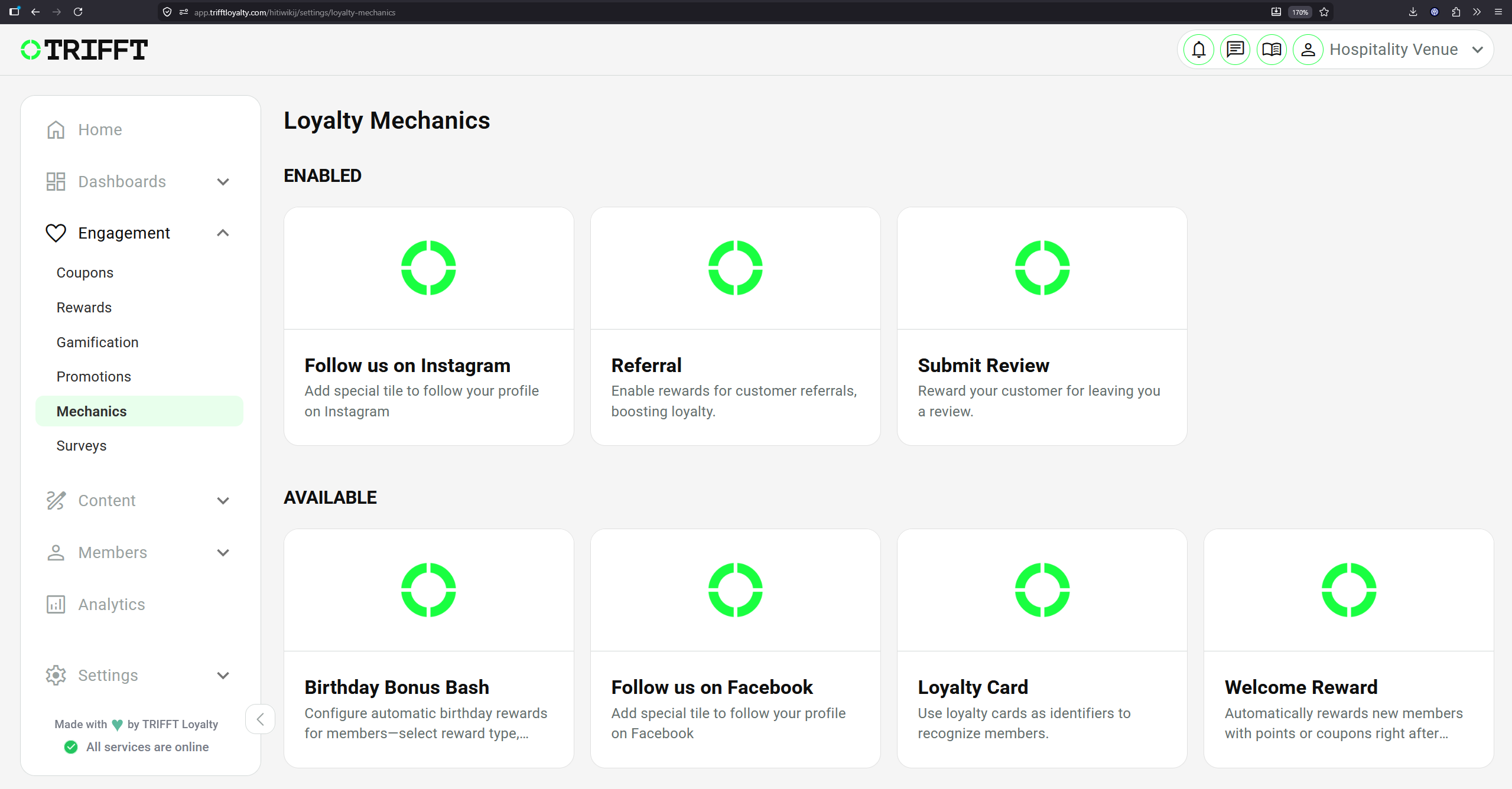
4. Select a trigger type
Read the description in the Detail of the selected mechanic and follow the instructions in the Settings tab:
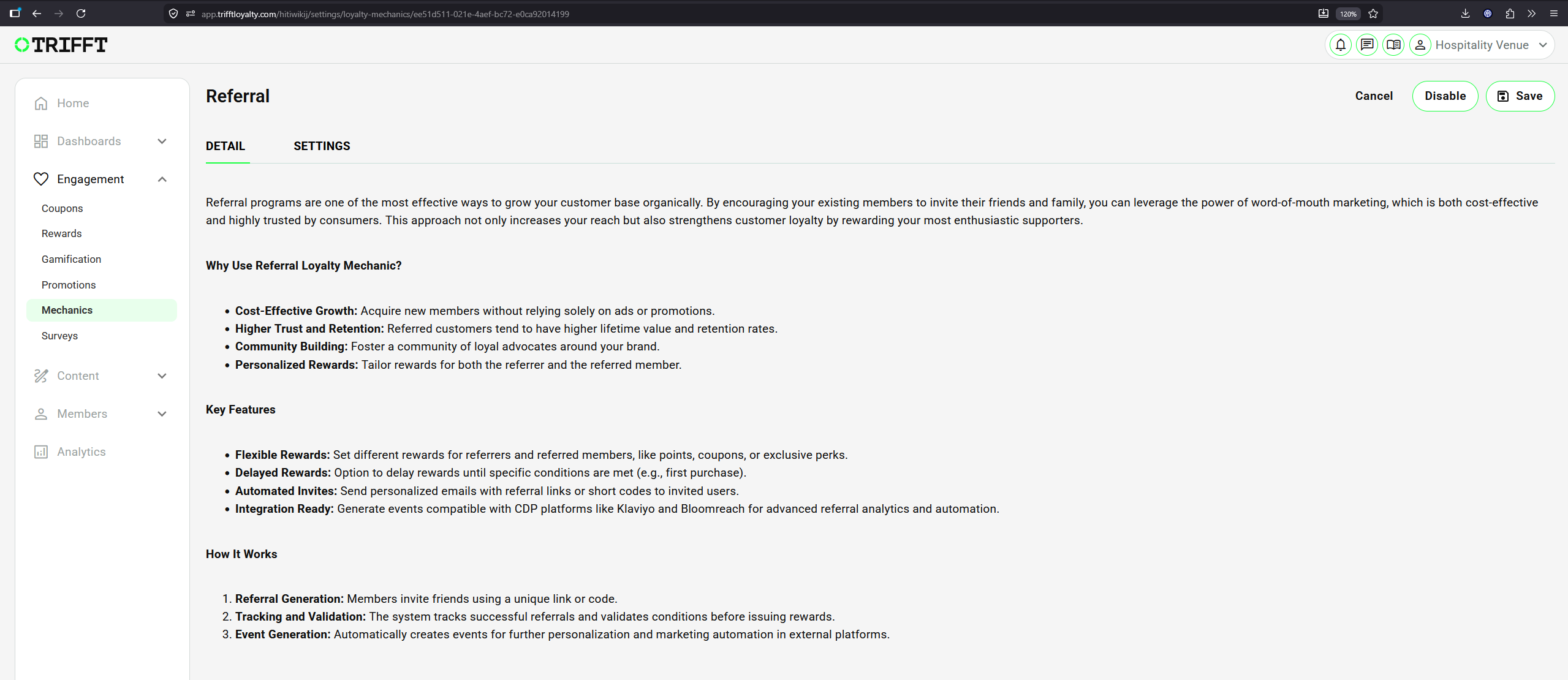
Example of Selected Loyalty Mechanic: Referral
Configuration checklist
Run through this checklist before going live:
Sustainability & Logic
- Earning ratio is sustainable for your margins
- Rounding logic is consistent with accounting practices
Communication & Branding
- The point name (e.g., 'Credits', 'StarPoints') is localized in the App Settings
- The expiration logic is clearly communicated in the program T&Cs
Updated about 1 month ago
Did this page help you?