
Leaflets Other Functions
Editing a Flyer
- Navigate to Content Cockpit > Content > Flyers.
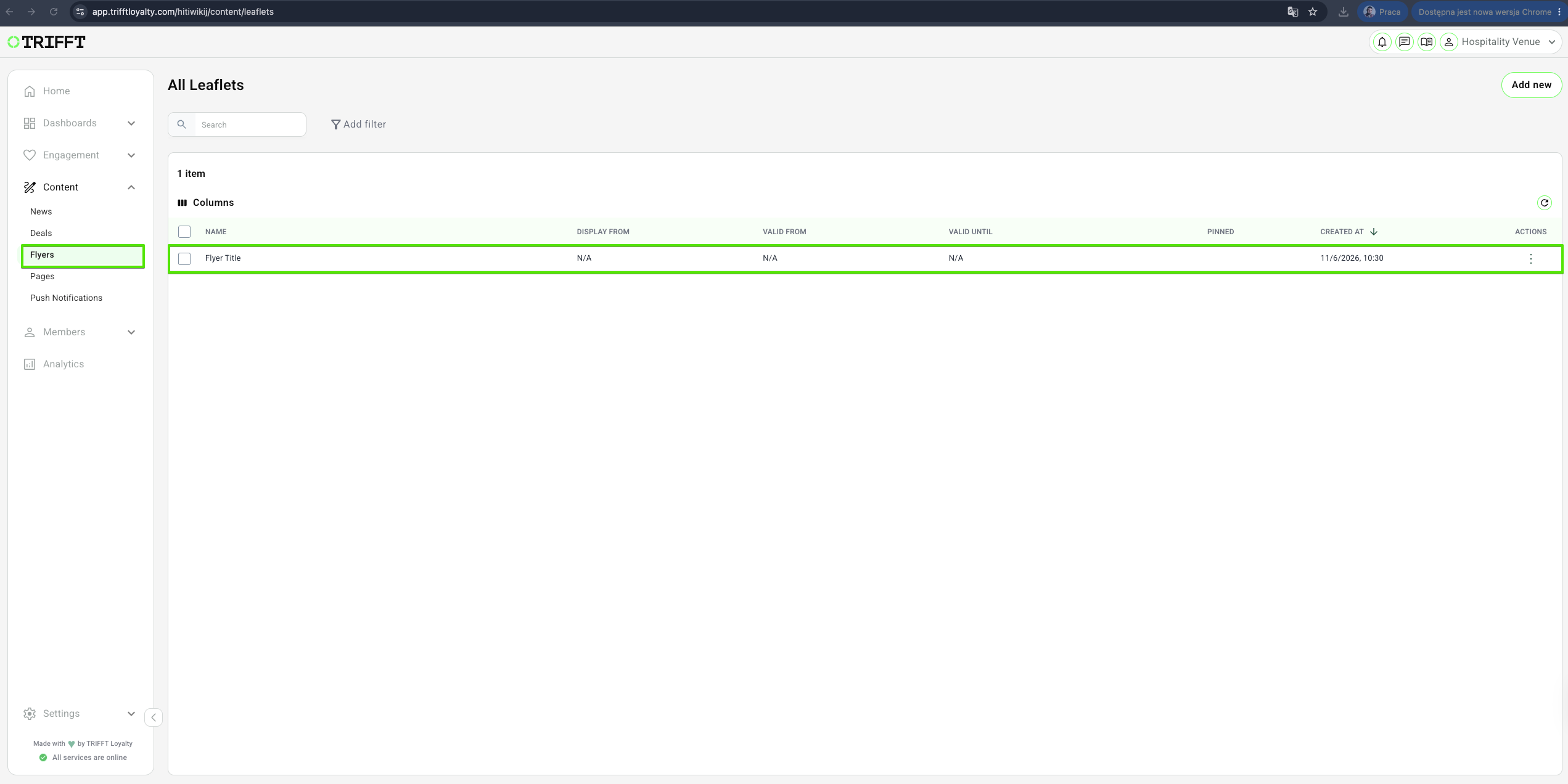
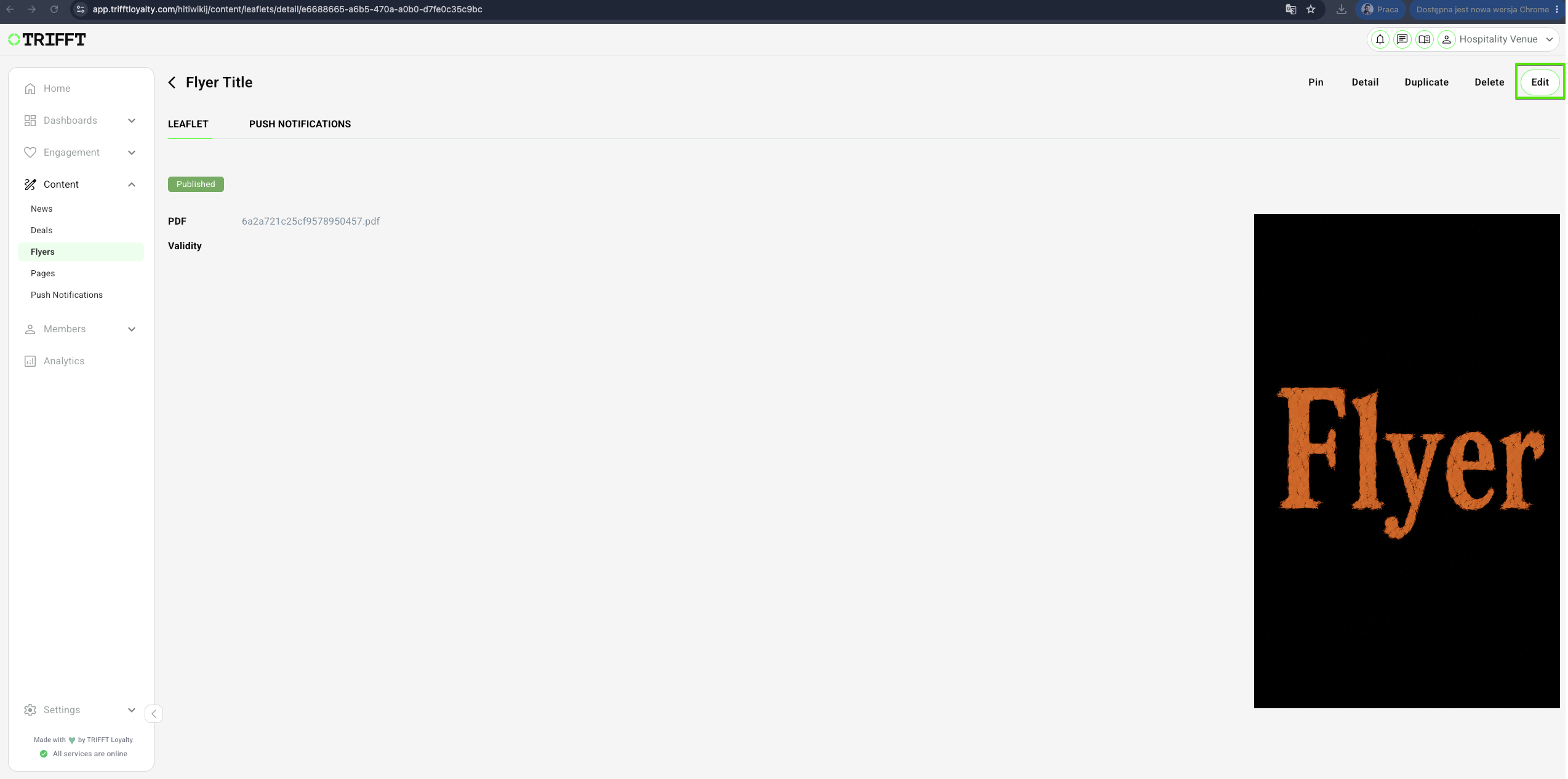
- Click the specific reward you wish to update, and click Edit. Make your changes and Save.
Duplicate a Flyer
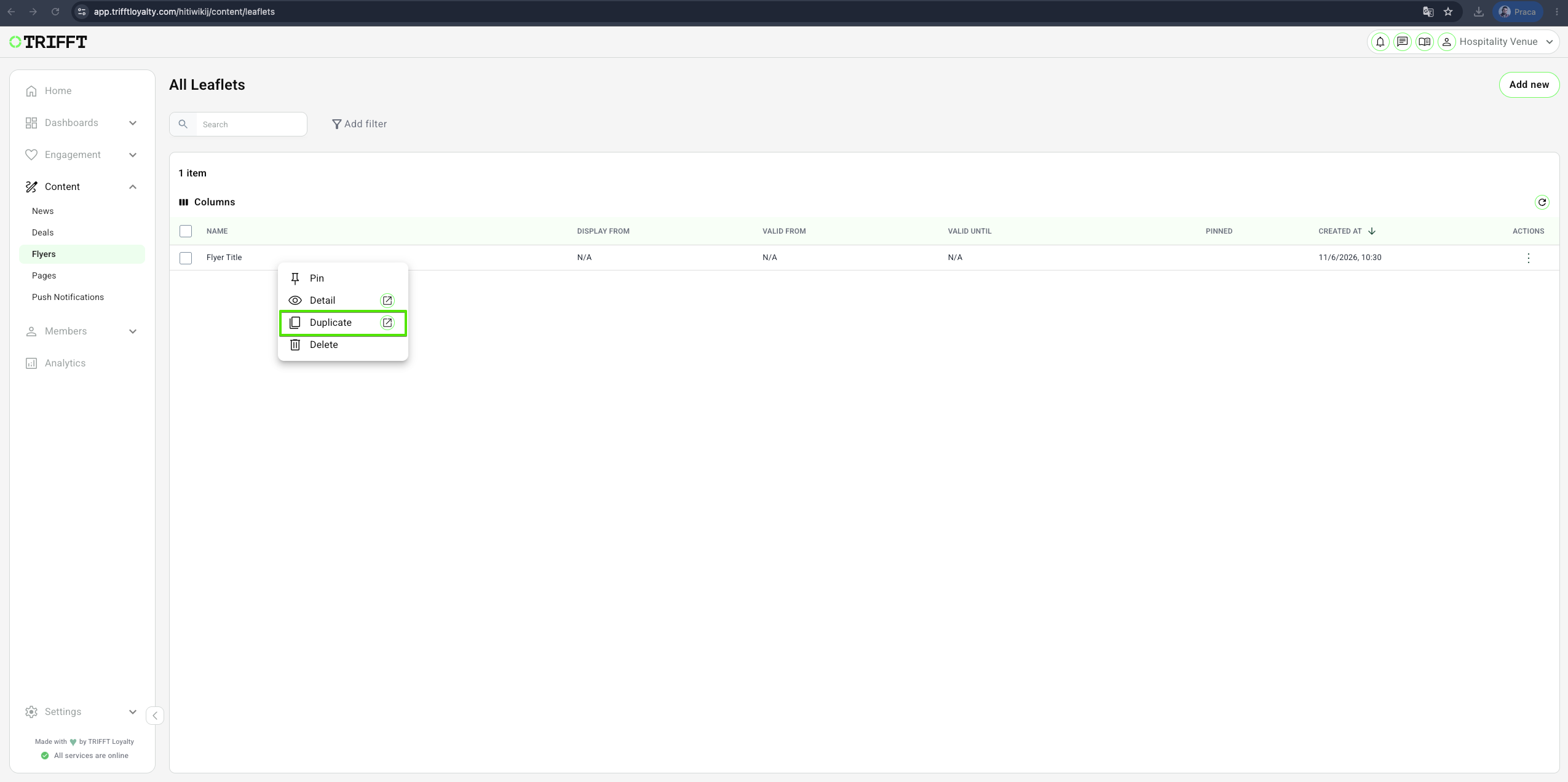
- Navigate to Content Cockpit > Content > Flyers > Right-click on desired one > Duplicate > Save
Delete a Flyer
- Navigate to Content Cockpit > Content > Flyers > Right-click on desired one > Delete > Confirm with Yes
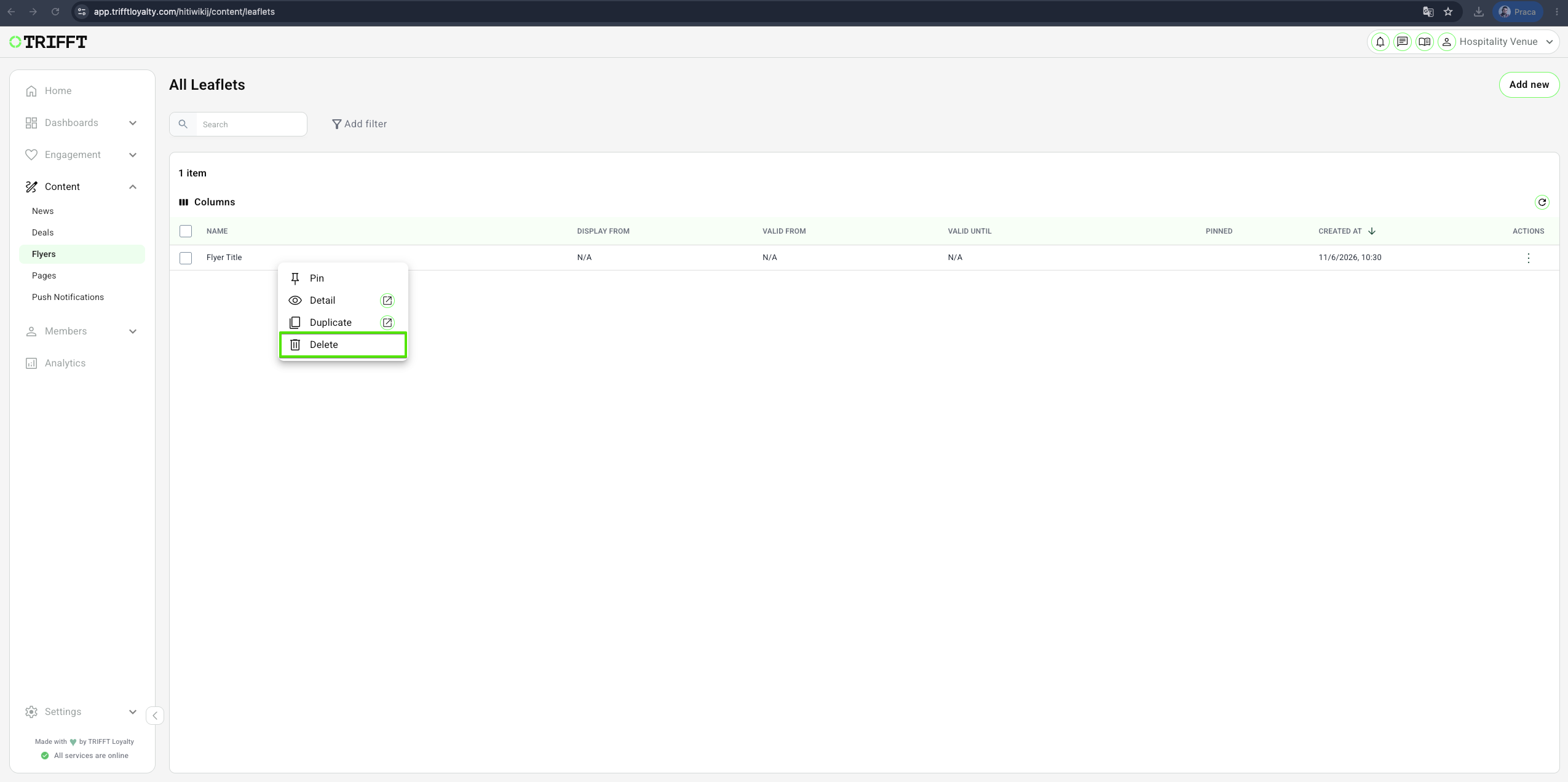
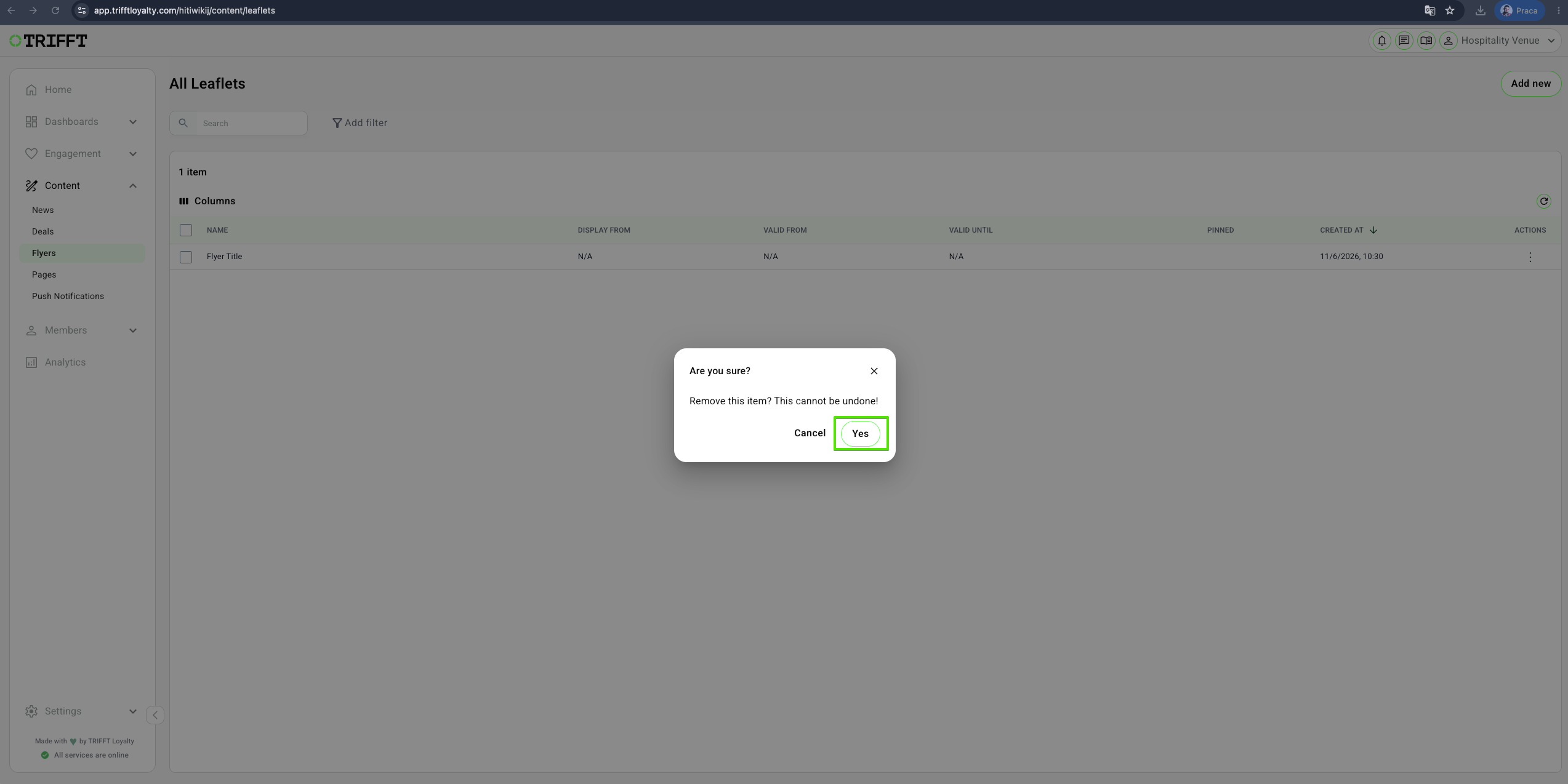
Warning: Deleting a Flyer removes it permanently from the system. This action cannot be undone.
Updated about 1 month ago
Did this page help you?