
News Other Functions
This Ongoing Management Guide provides the steps required to maintain and optimize the News function within the Content Cockpit.
| Topic / function | News |
|---|---|
| Audience | CRM / Marketing Ops / Lifecycle owner |
| Goal | Maintain, edit, pause, troubleshoot, and improve the setup over time |
Other functions covered
- Content Updates: Editing existing articles to refresh info or fix typos.
- Pinning/Unpinning: Managing the order of the news feed by highlighting priority content.
- Archiving and Scheduling: Ending campaigns or scheduling future updates to keep the feed relevant.
- Targeting Refinement: Adjusting visibility based on evolving member segments.
Edit News
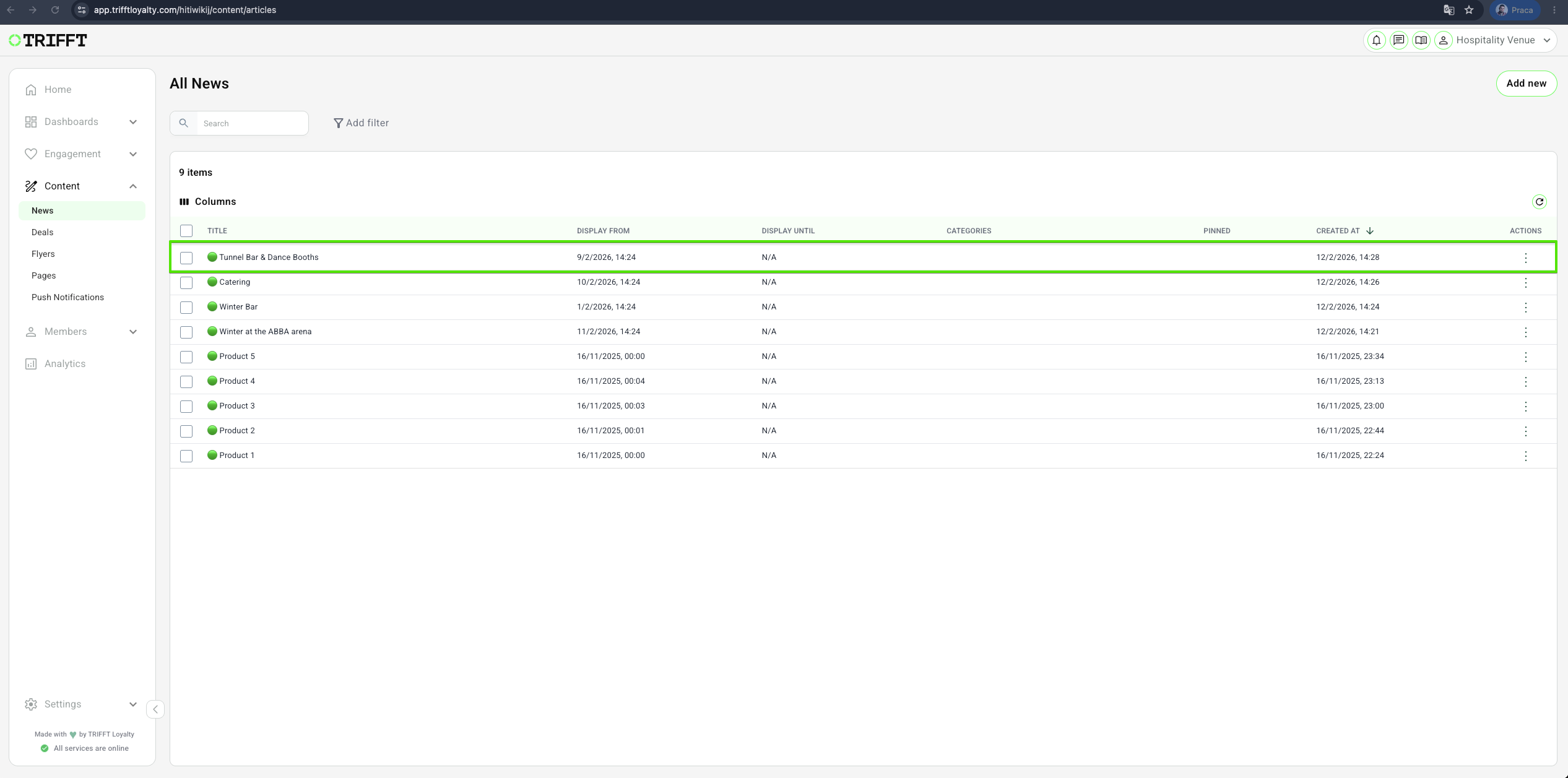
1. Go to Content Cockpit > Content > News > click the desired News
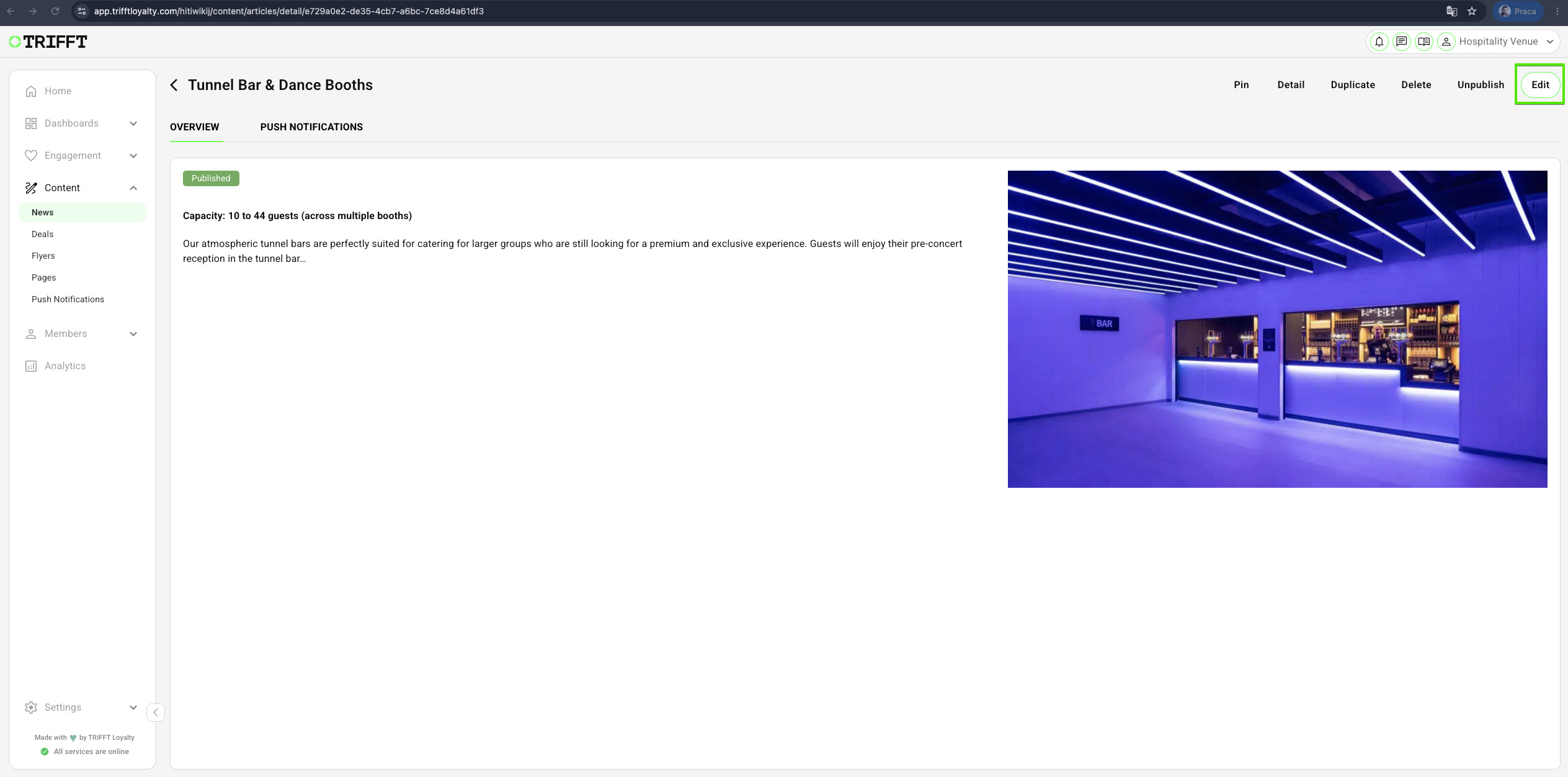
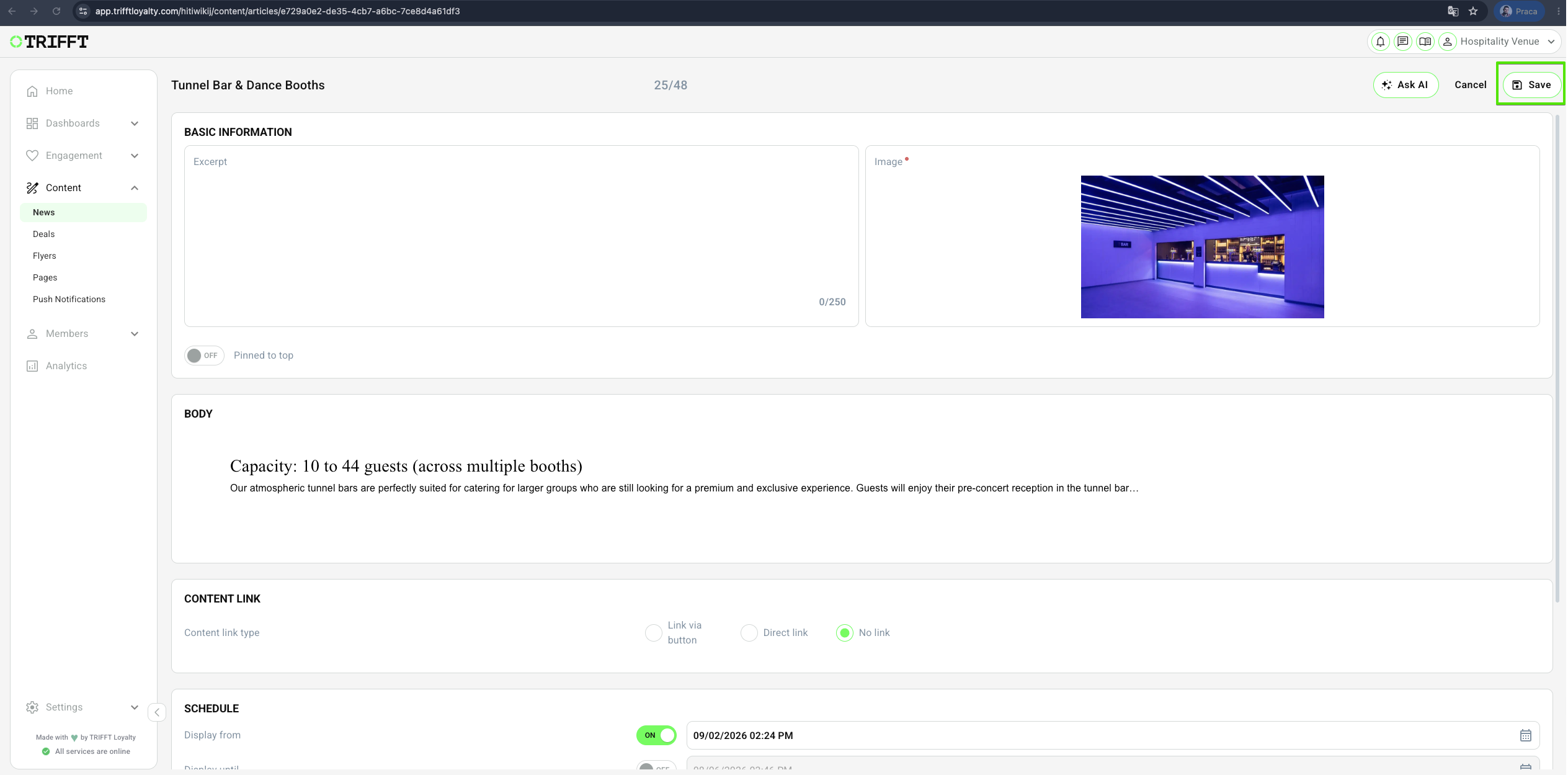
2. Click on Edit, make your changes, and Save
Duplicate News
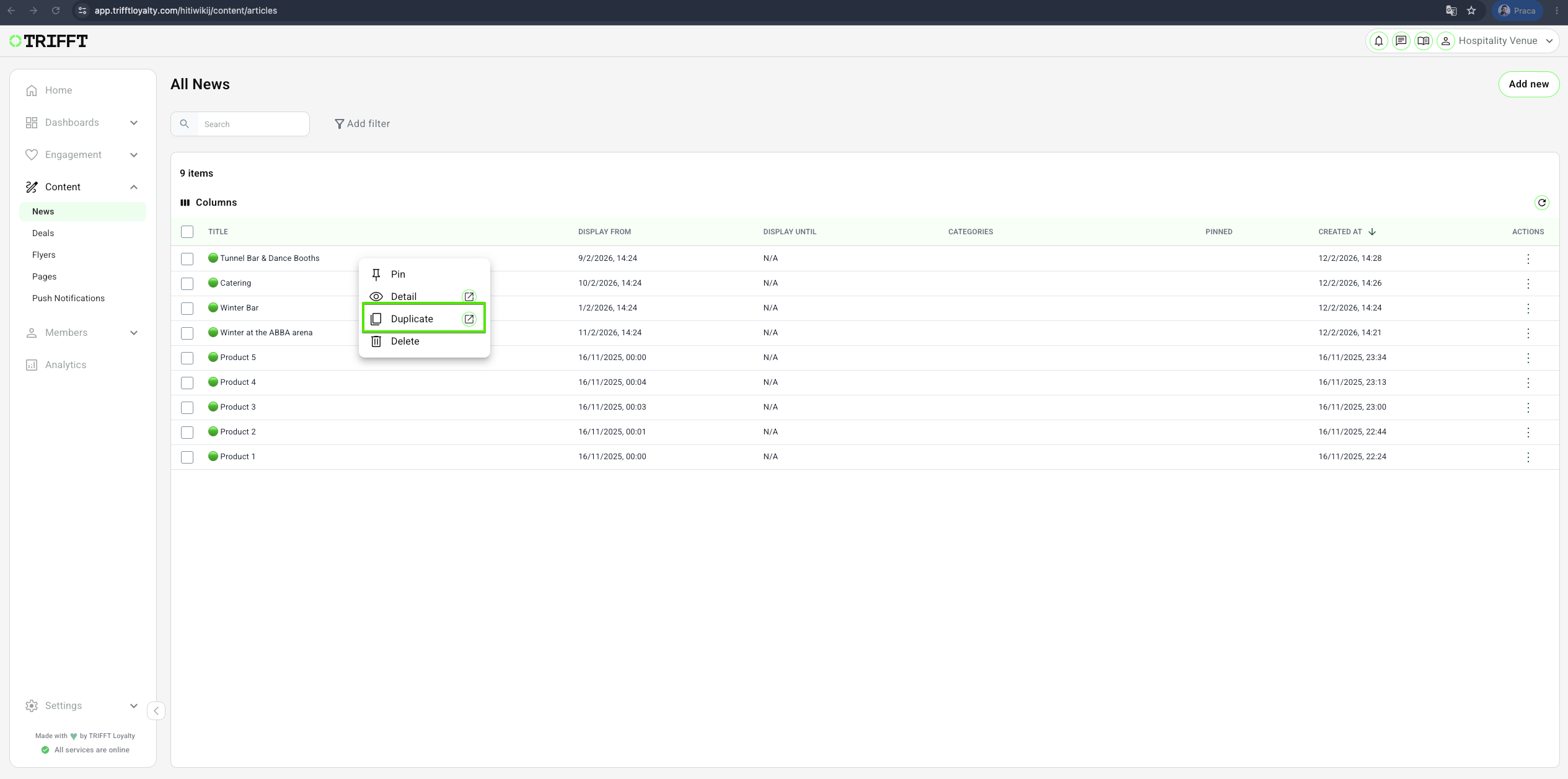
1. Go to Content Cockpit > Content > News > Right-click the desired News > Duplicate & Save
Delete News
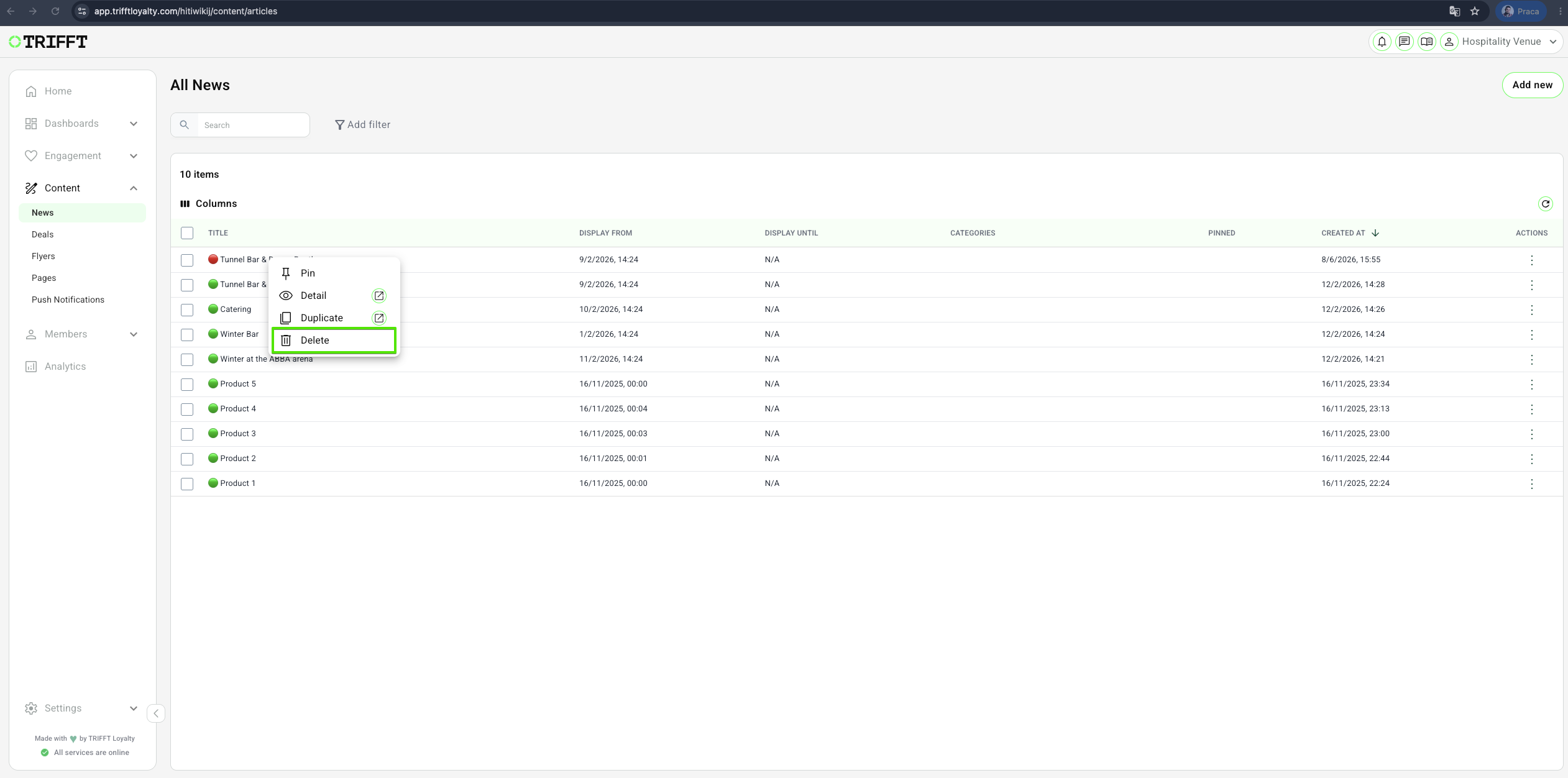
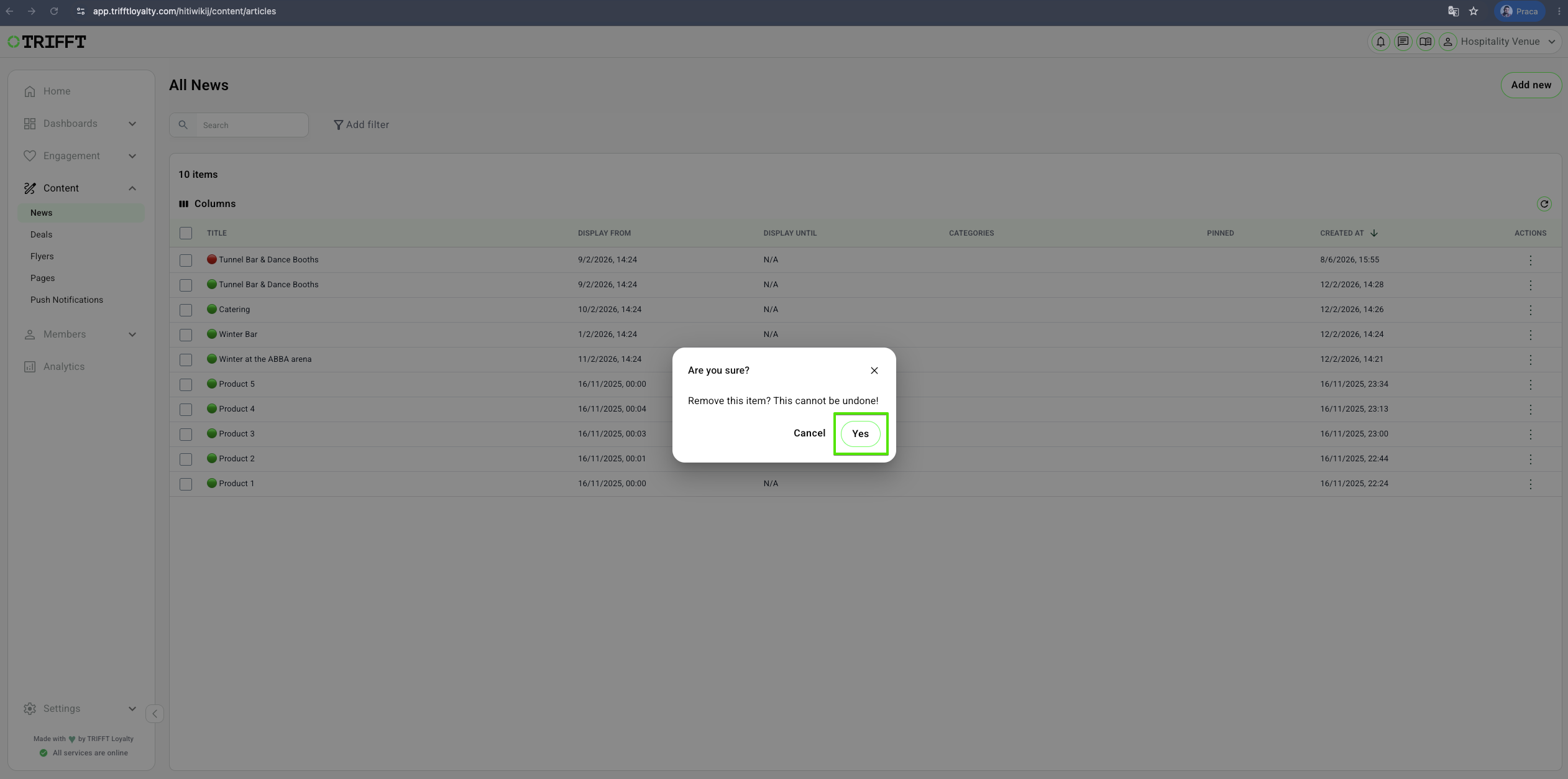
1. Go to Content Cockpit > Content > News > Right-click the desired News > Delete & Confirm with Yes
Ongoing management checklist
- Relevance Check: Articles with expired promotions are unpublished or archived to avoid member confusion.
- Pinning Audit: Only 1–2 high-priority items are pinned at a time to prevent feed clutter.
- Link Verification: All deep links within news articles are tested to ensure they point to active Deals or Rewards.
- Translation Sync: Every content update is mirrored in all active program languages.
- Visual Quality: Images are periodically checked for rendering issues on newer mobile device aspect ratios.
Updated about 1 month ago
Did this page help you?