
Deals Other Functions
This Ongoing Management Guide provides the steps required to maintain, troubleshoot, and optimize the Deals function within the Content Cockpit.
| Topic / function | Deals |
|---|---|
| Audience | CRM / Marketing Ops / Lifecycle owner |
| Goal | Maintain, edit, pause, troubleshoot, and improve the setup over time |
Edit Deals
1. Go to Content > Deals > Click the desired Deal
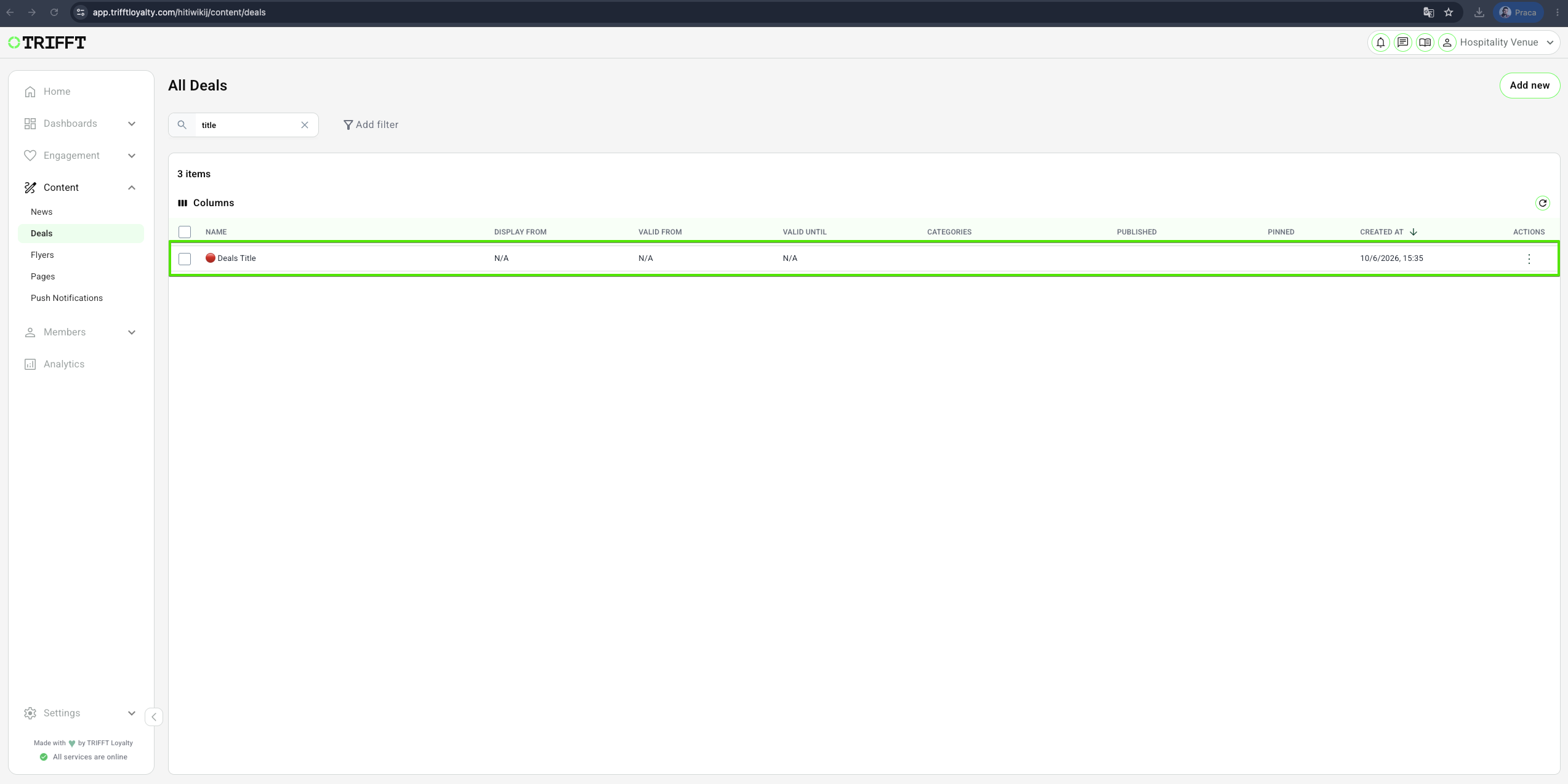
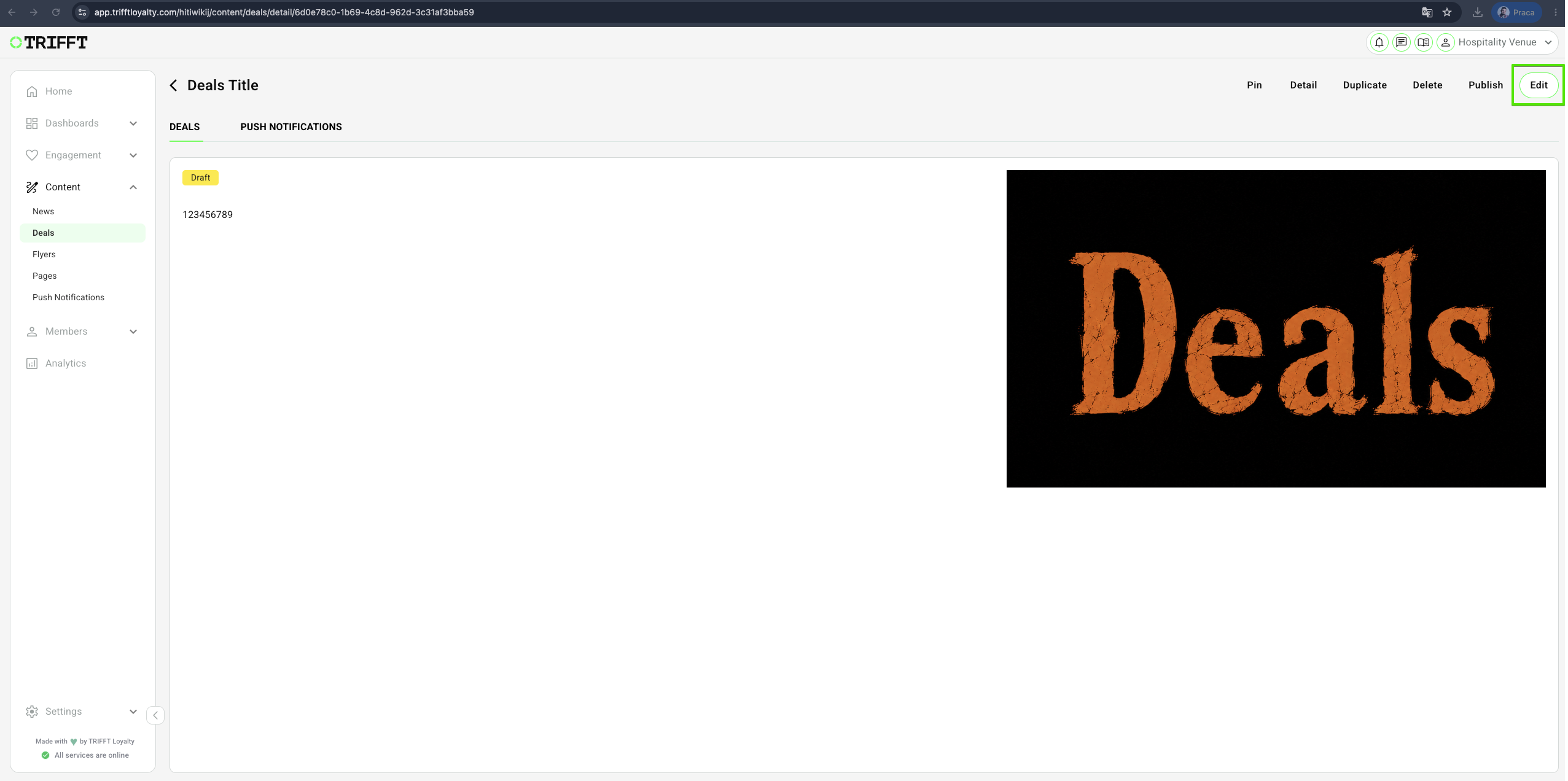
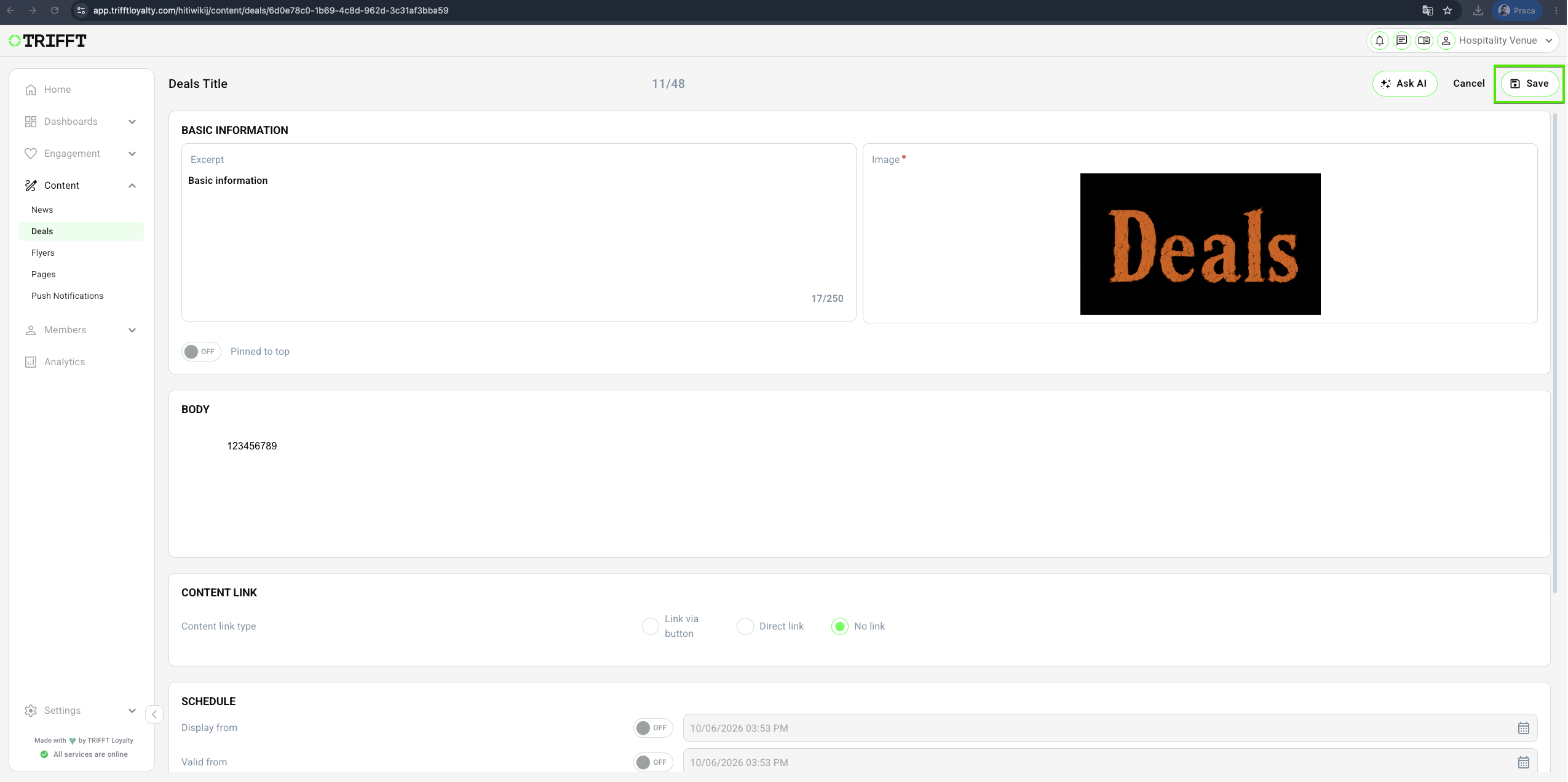
2. Click on Edit, make your changes, and Save
Duplicate Deals
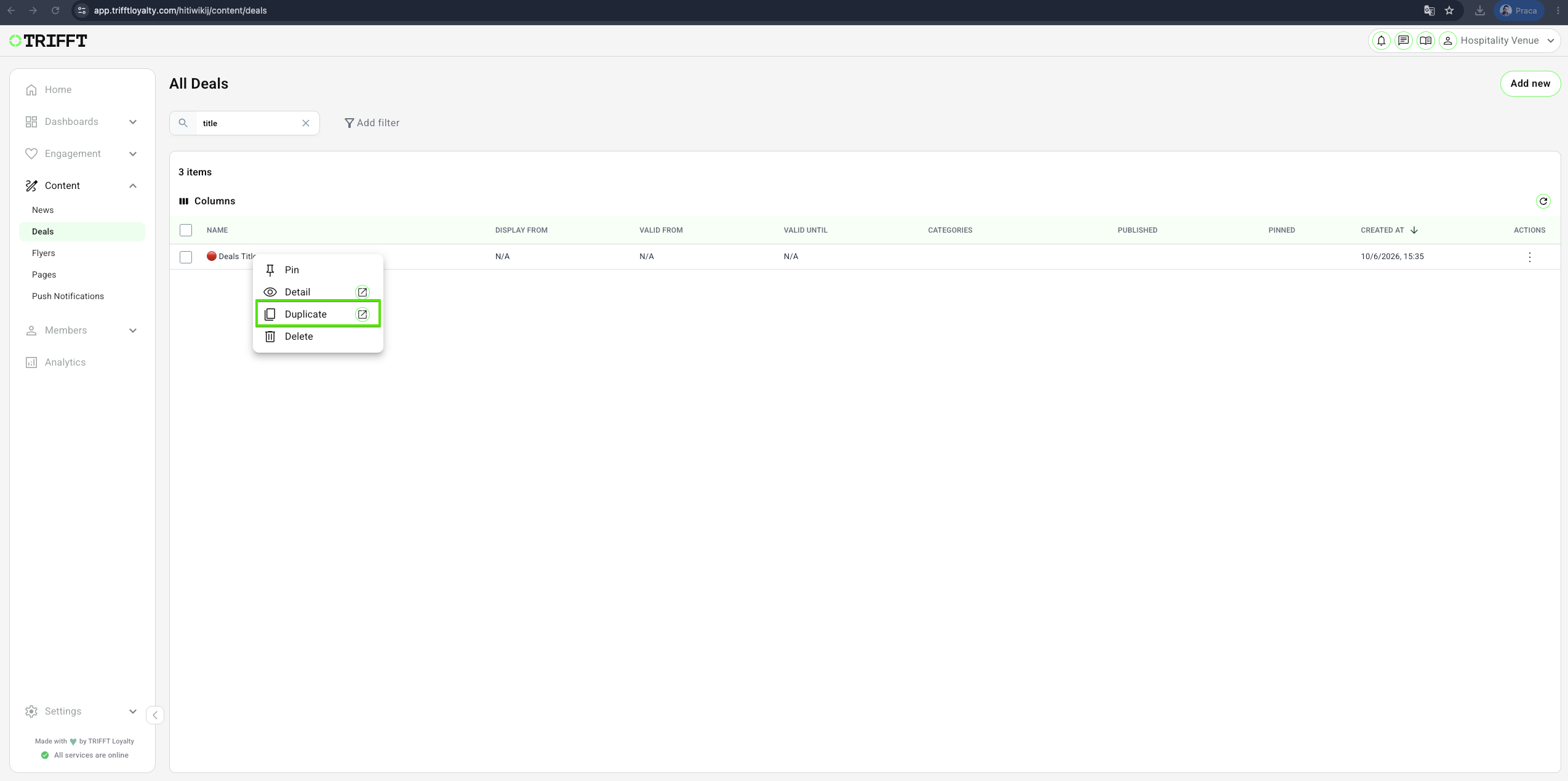
1. Go to Content Cockpit > Content > Deals > Right-Click the desired Deal > Duplicate & Save
Delete Deals
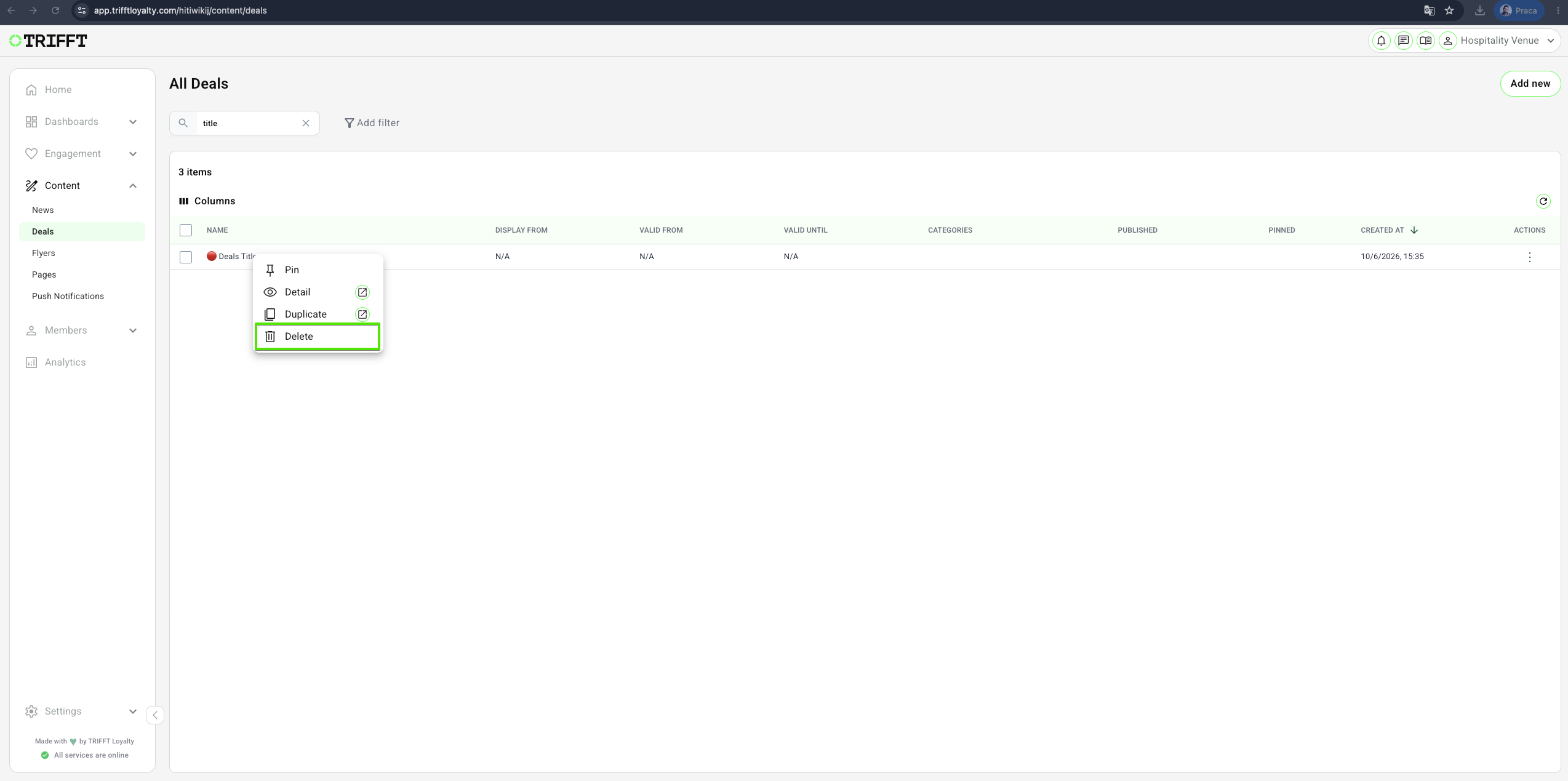
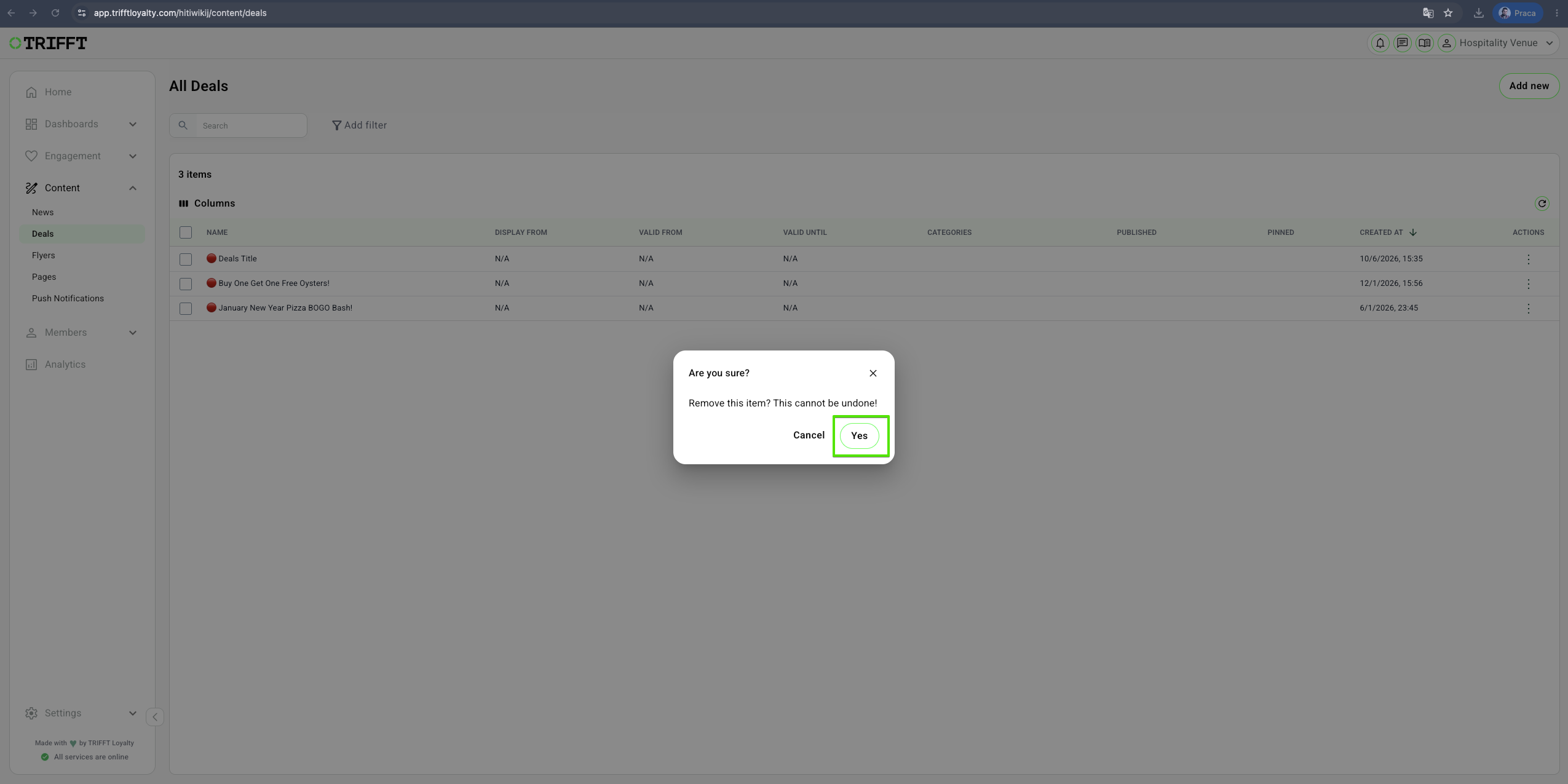
1. Go to Content Cockpit > Content > Deals > Right-Click the desired Deal > Delete & Confirm with Yes
Unpublish Deals
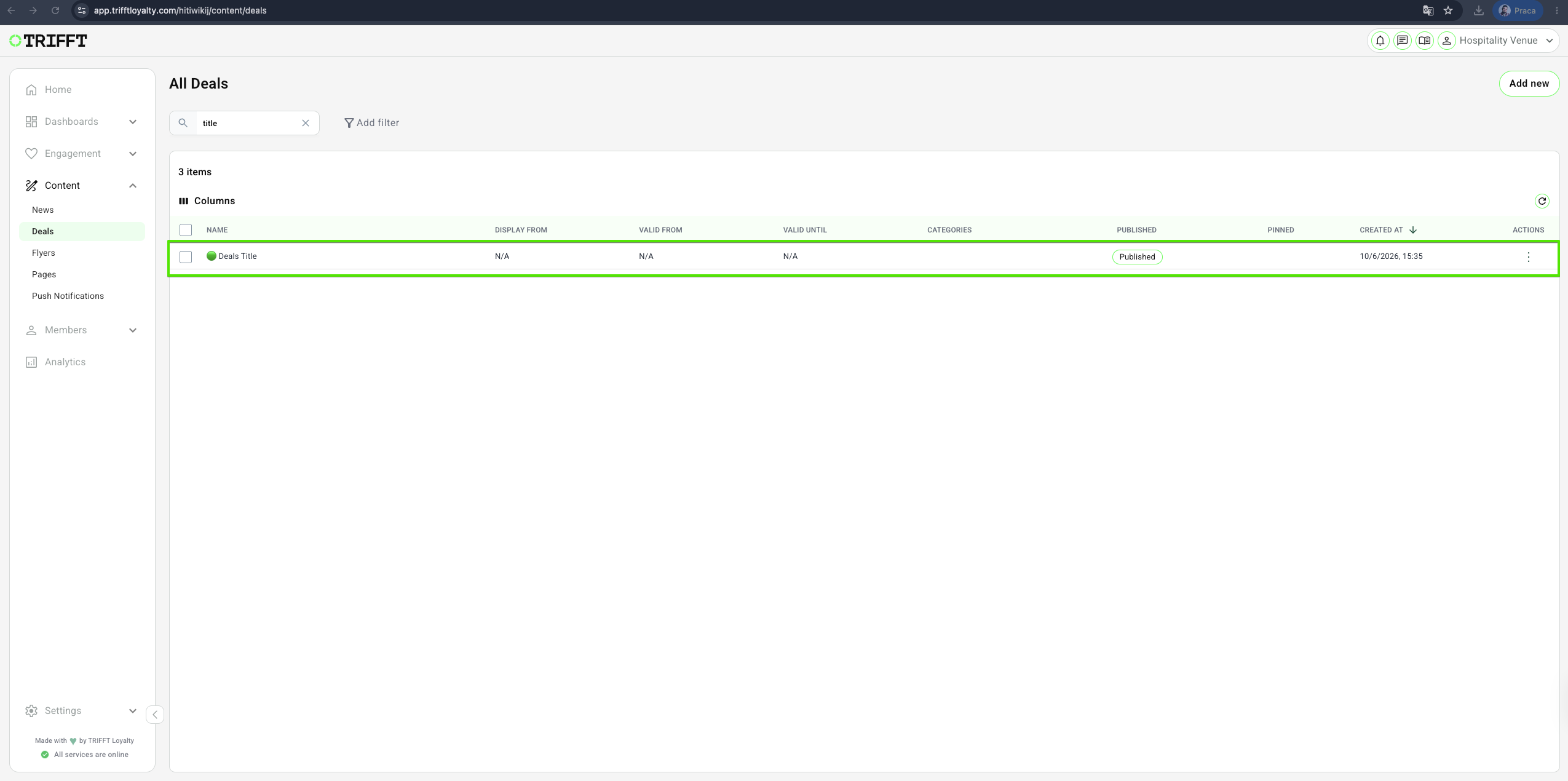
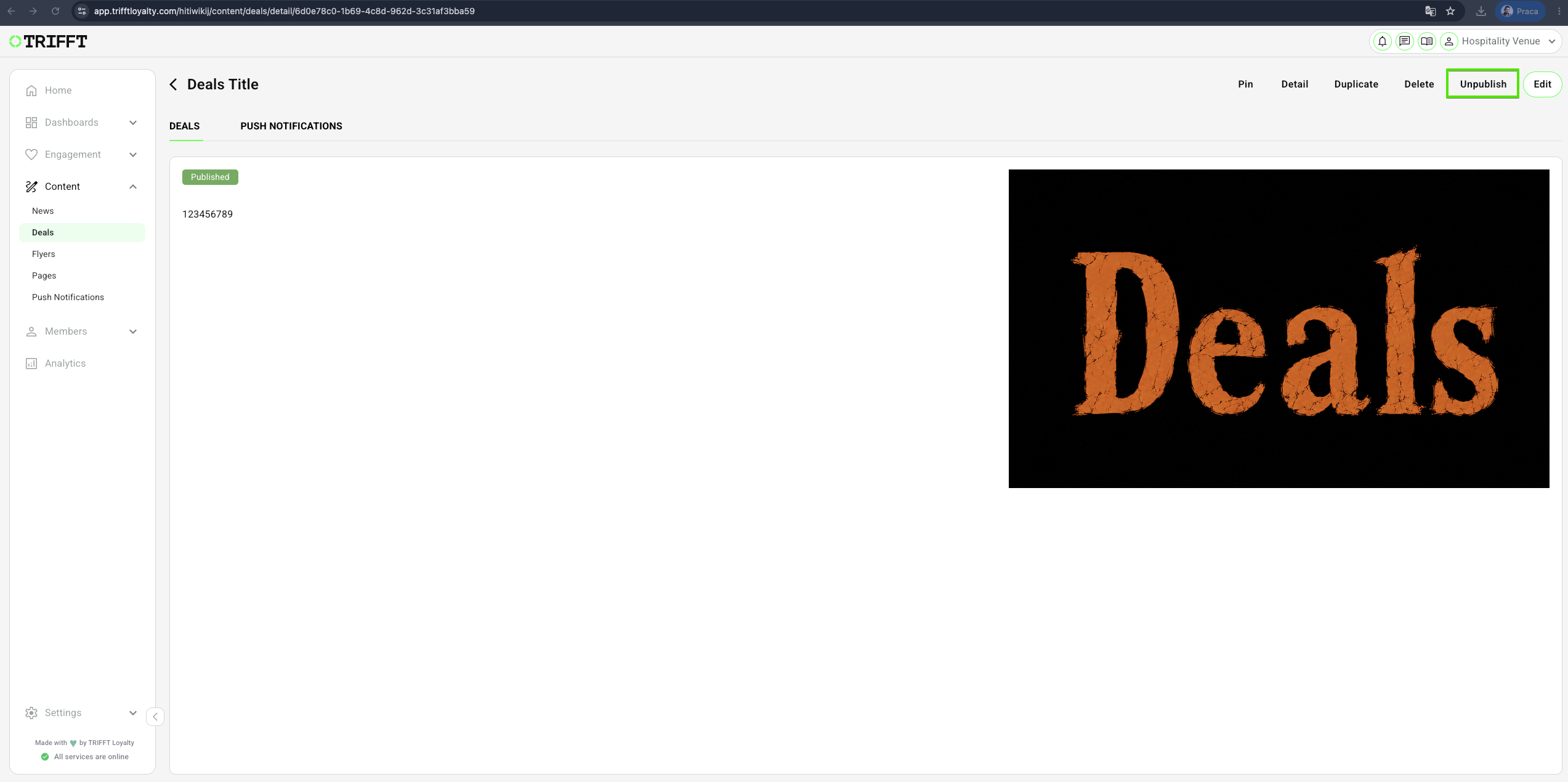
1. Go to Content Cockpit > Content > Deals > Click the desired Deal > Click Unpublish
Action description (Example: Refreshing a Deal and Managing Coupon Stock)
- Navigate to the Deals Module: Log in to the TRIFFT Cockpit and go to Content > Deals.
- Select Active Asset: Click on the specific deal that requires an update or stock check.
- Update Content: Modify the Title, Short Teaser, or Body Text to reflect new messaging or terms.
- Audit Coupon Stock: Check the linked Coupon Pool status; if unique codes are running low, upload a new CSV to the pool or link a fresh pool.
- Adjust Validity Dates: Update the Start Date or End Date if the promotional period is being extended.
- Refine Targeting: In the Visibility tab, add or remove Segments to ensure the deal reaches the intended audience.
- Add Testing Steps: Use a staging account to verify that the "Claim" button functions and the correct coupon code is displayed.
- Enable / Schedule and Confirm: Click Save and verify the status toggle is set to Published.
Ongoing management checklist
- Inventory Check: High-performing deals have sufficient unique coupon codes remaining in their linked pools.
- Segment Accuracy: Private deals are correctly restricted to the intended segments to prevent "budget bleed".
- Redemption Limits: The "Limit per member" setting is correctly enforced for one-time offers.
- Expiration Hygiene: Past-due deals are archived or unpublished to keep the member feed uncluttered.
- Deep Link QA: Push notifications or banners promoting the deal correctly resolve to the specific Deal ID.
- Translation Audit: Localized versions of the deal reflect any changes made to the primary language content.
Updated 3 months ago
Did this page help you?