
App camera access on iPhone (QR code scanning)
Symptoms
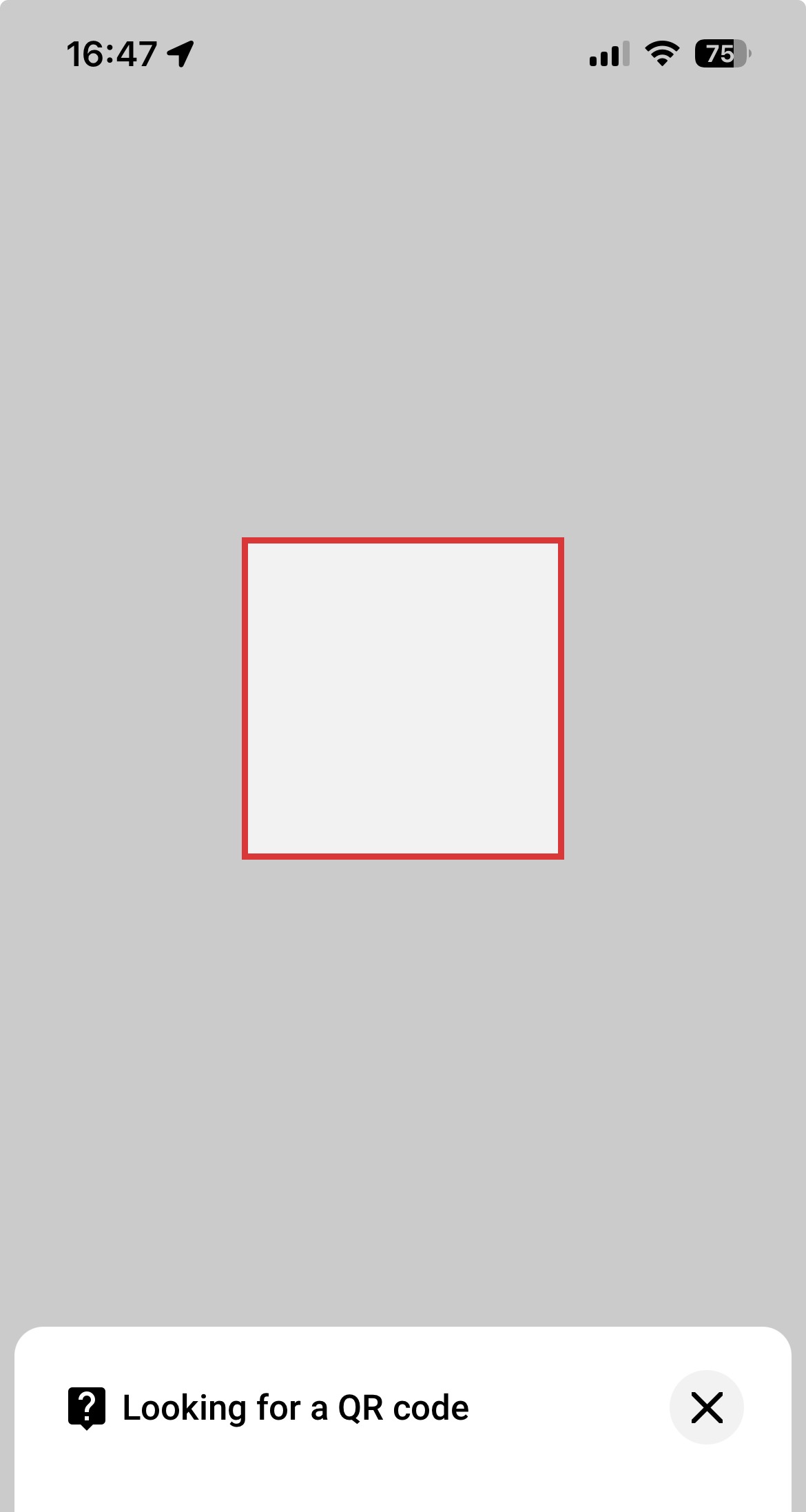
The customer opens the QR code scanner in the app, but instead of a camera preview, they see a white or red square (an empty scanner screen). The QR code can't be scanned.
The common mix-up
The cause is almost always that the app itself doesn't have camera permission in the iPhone's settings - not an app malfunction.
Customers often mistakenly turn on the general Settings → Camera → Scan QR Codes toggle. This toggle only affects the iPhone's built-in Camera app (it lets it recognize QR codes in the viewfinder) - it has nothing to do with camera access for third-party apps. Turning it on will not fix the white/red square issue.
The correct fix is to grant camera permission directly to the app - see the steps below.
How to grant the permission:
Method 1: via the app's settings
- Open Settings on the iPhone.
- Scroll down to the list of installed apps and find the app where the scanner isn't working.
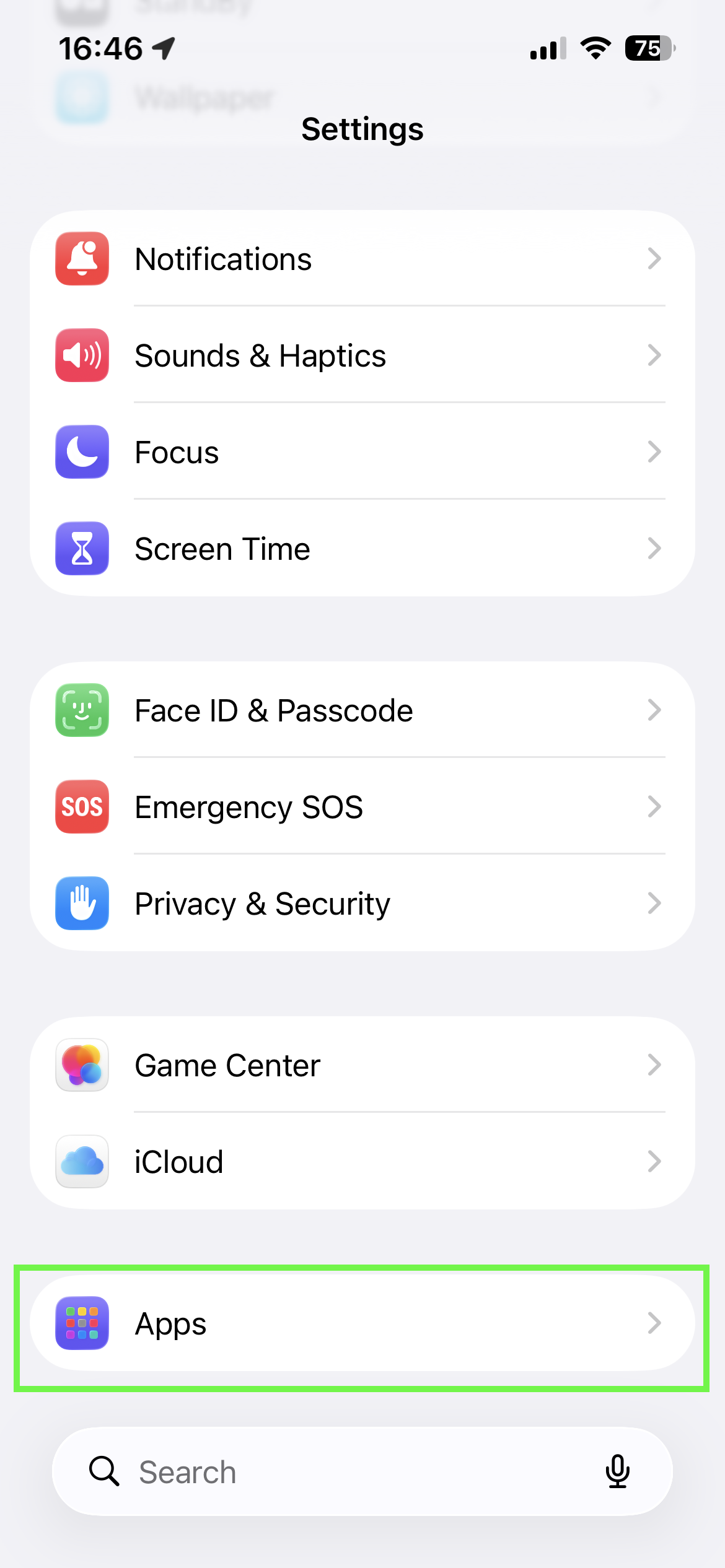
- Tap the app.
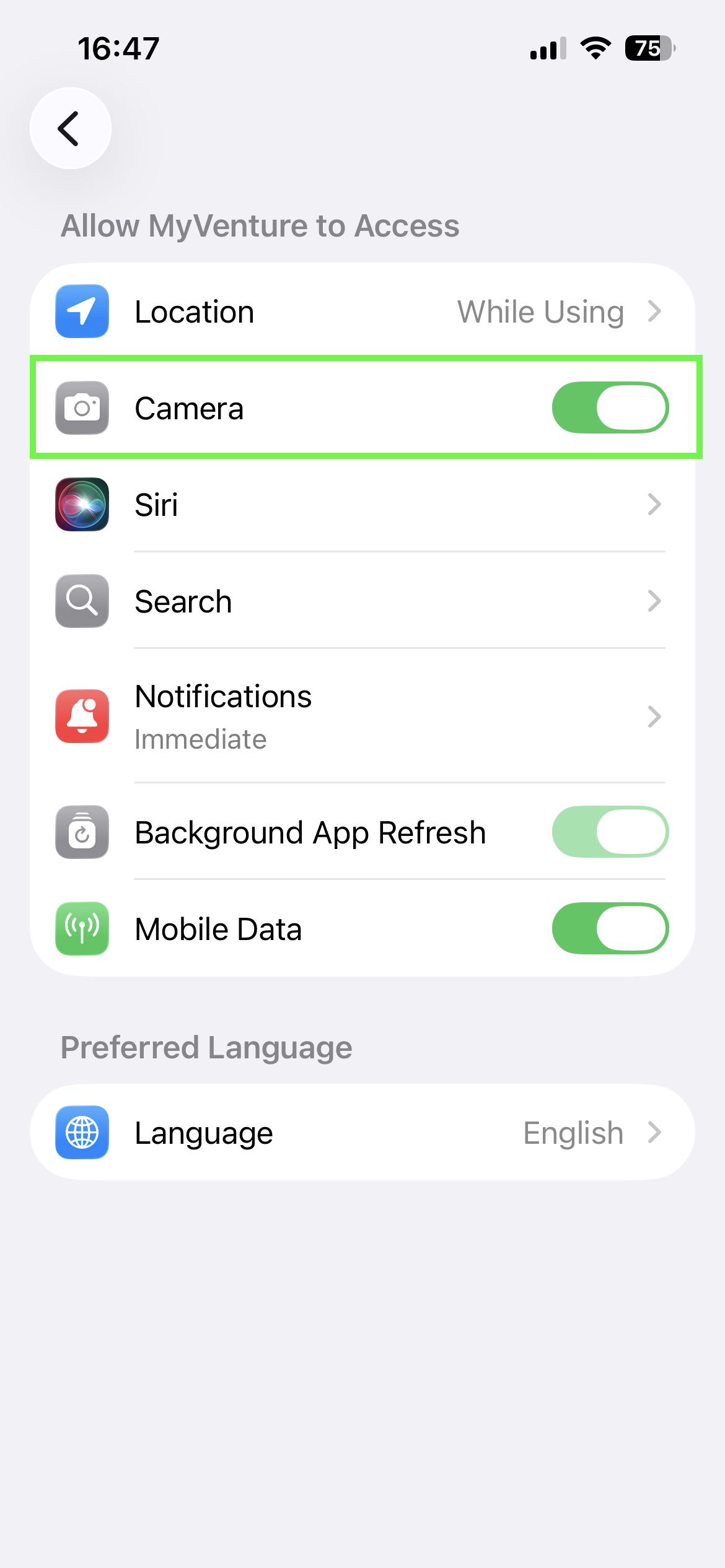
- In the permissions list, find Camera and turn on its toggle (green = on).
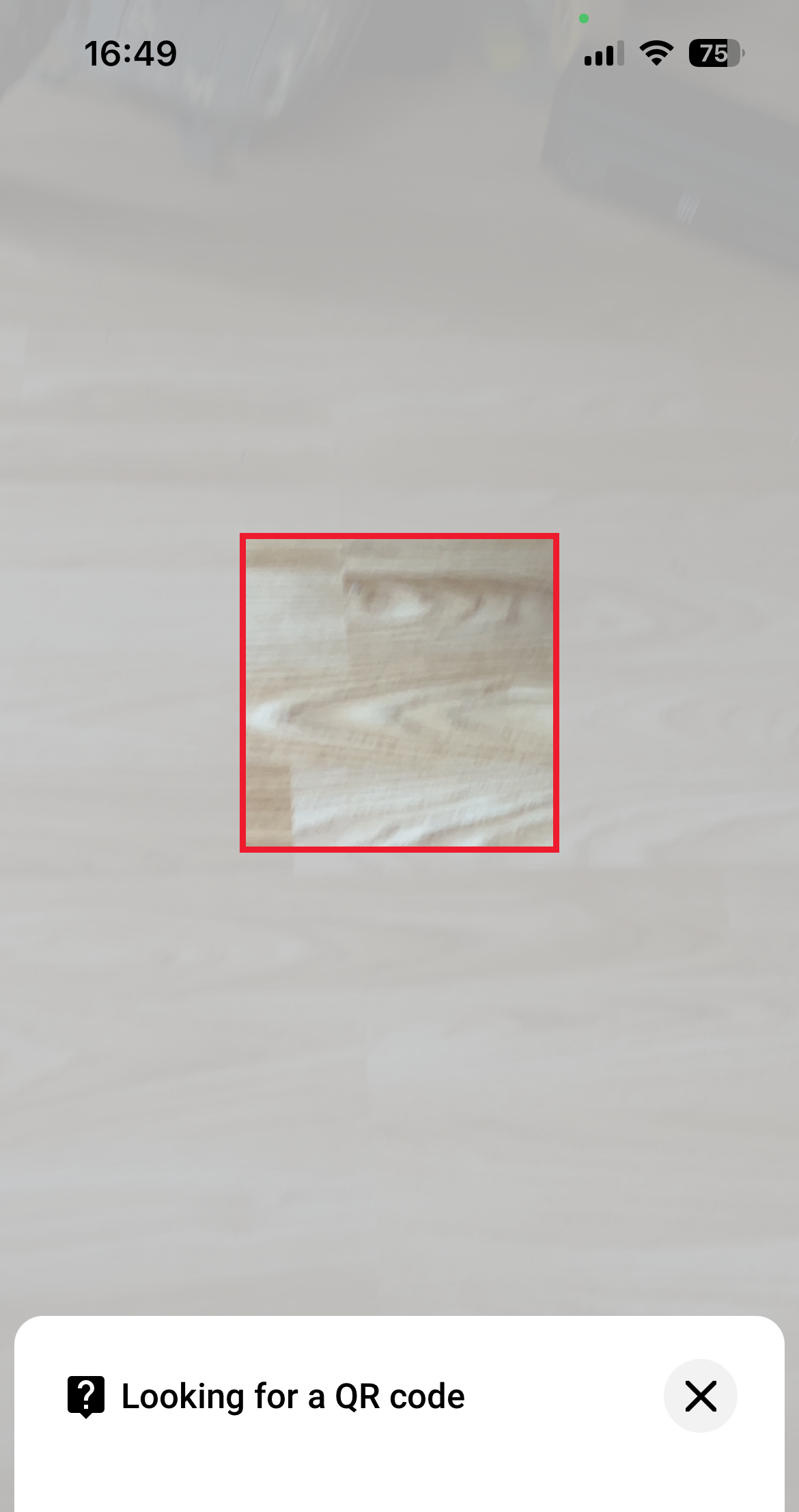
- Go back to the app and try scanning the QR code again.
Method 2: via Privacy & Security
Useful if the app isn't listed directly on the main Settings screen.
- Settings → Privacy & Security → Camera.
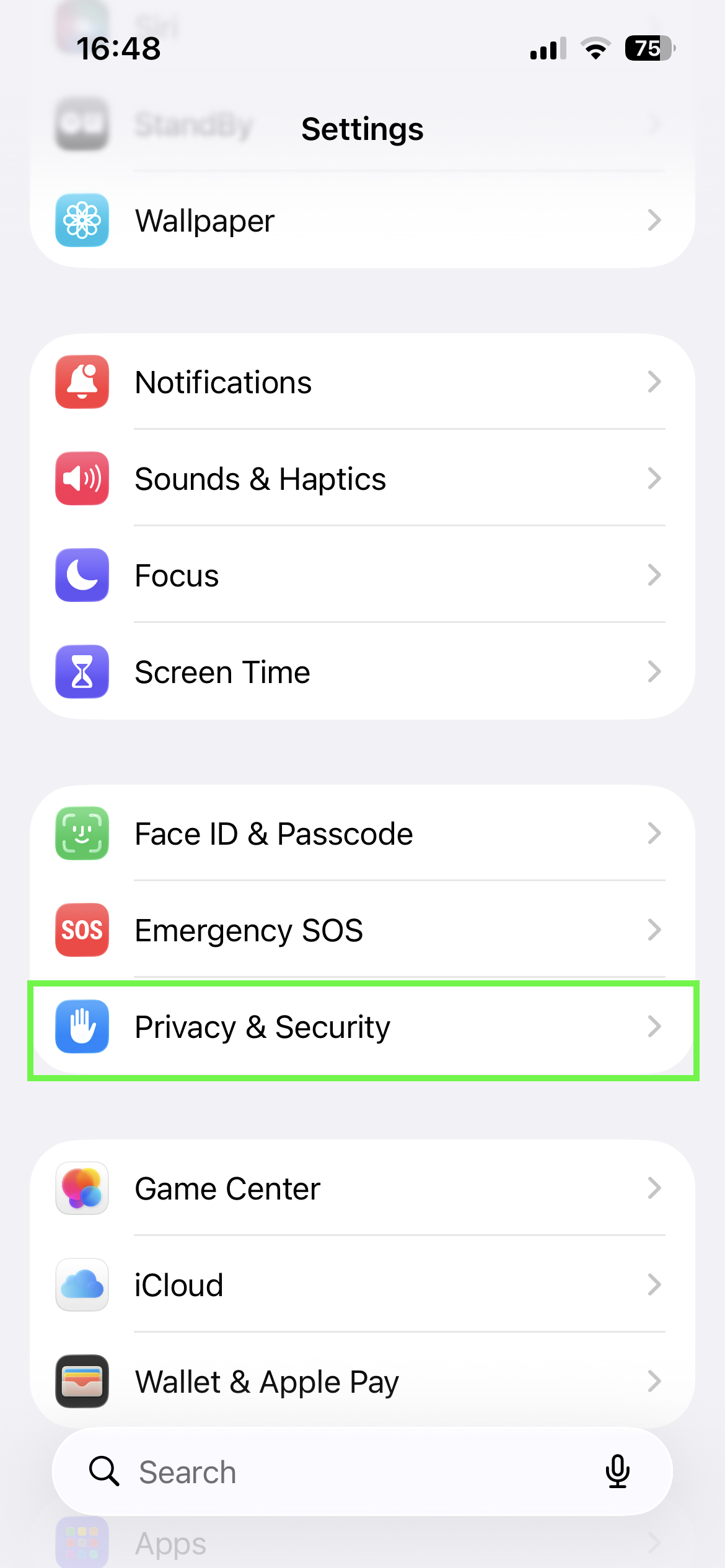
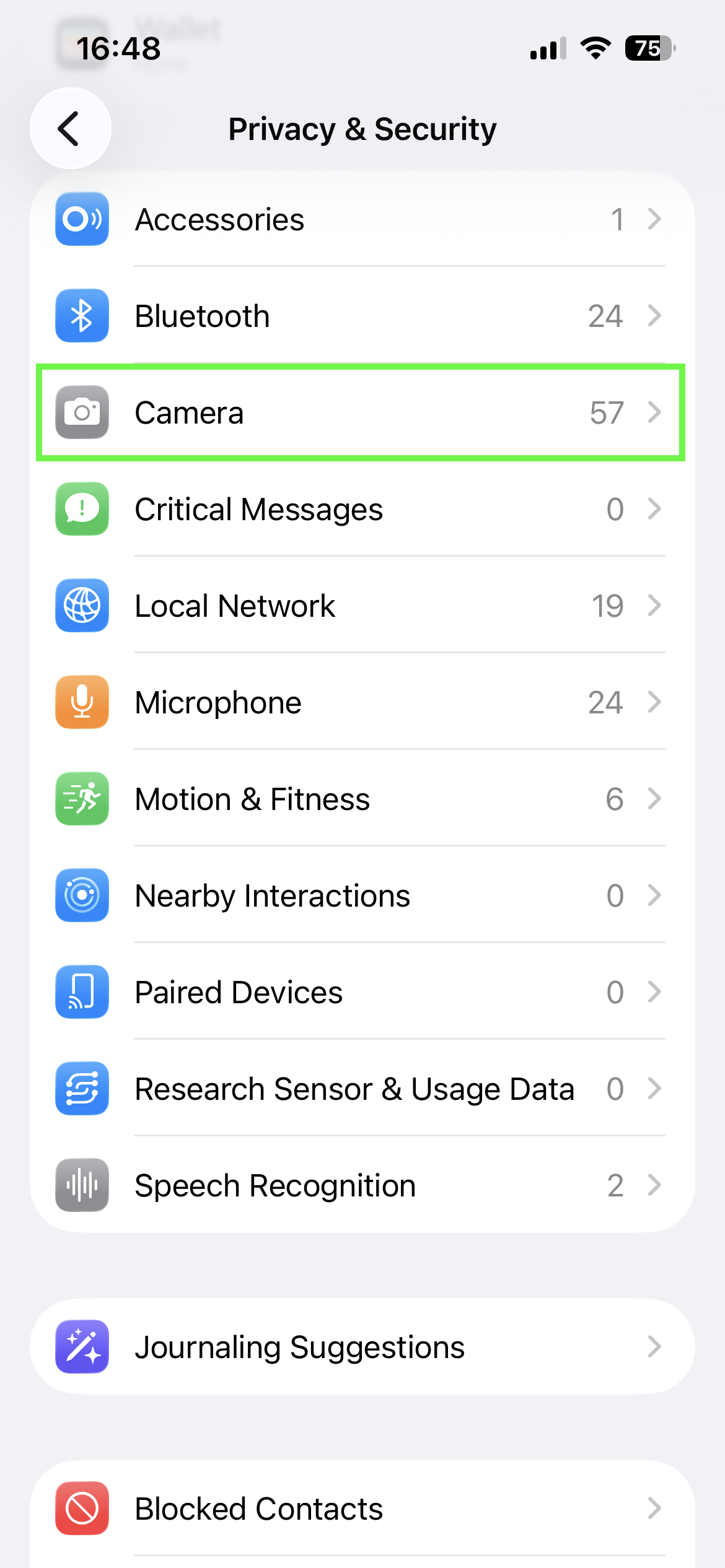
- In the list of apps that have requested camera access, find the app where the scanner isn't working and turn on its toggle.
Important:An app only appears in this list once it has requested camera access at least once (i.e. the customer must have already opened its scanner feature before). If the app isn't in this list, use method 1 above.
If the Camera toggle is greyed out (inactive)
Check Screen Time restrictions:
- Settings → Screen Time → Content & Privacy Restrictions → Allowed Apps.
- Make sure Camera isn't blocked/turned off there.
If that doesn't help, as a last resort, delete and reinstall the app from the App Store - this resets its permissions, and the iPhone will show the access prompt again the first time it uses the camera.
Why this happens even though it used to work
It can happen that iOS silently revokes an app's camera permission if the app hasn't used it for a while - we've noticed this especially after iOS updates. This is the phone's own system behavior, not a bug in the app or the platform.
Updated about 2 months ago