
Push Notification Other Functions
Detail Push notifications
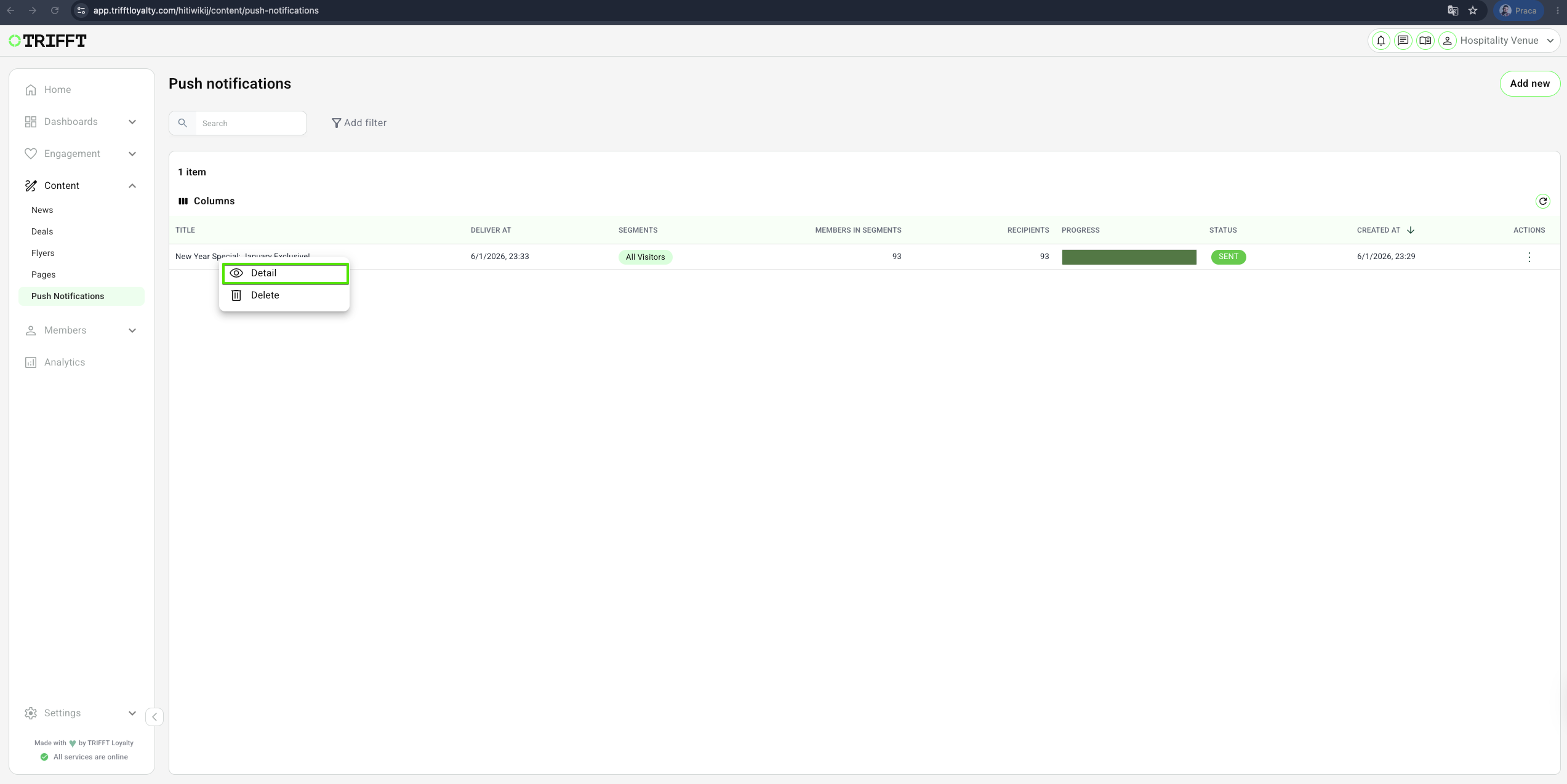
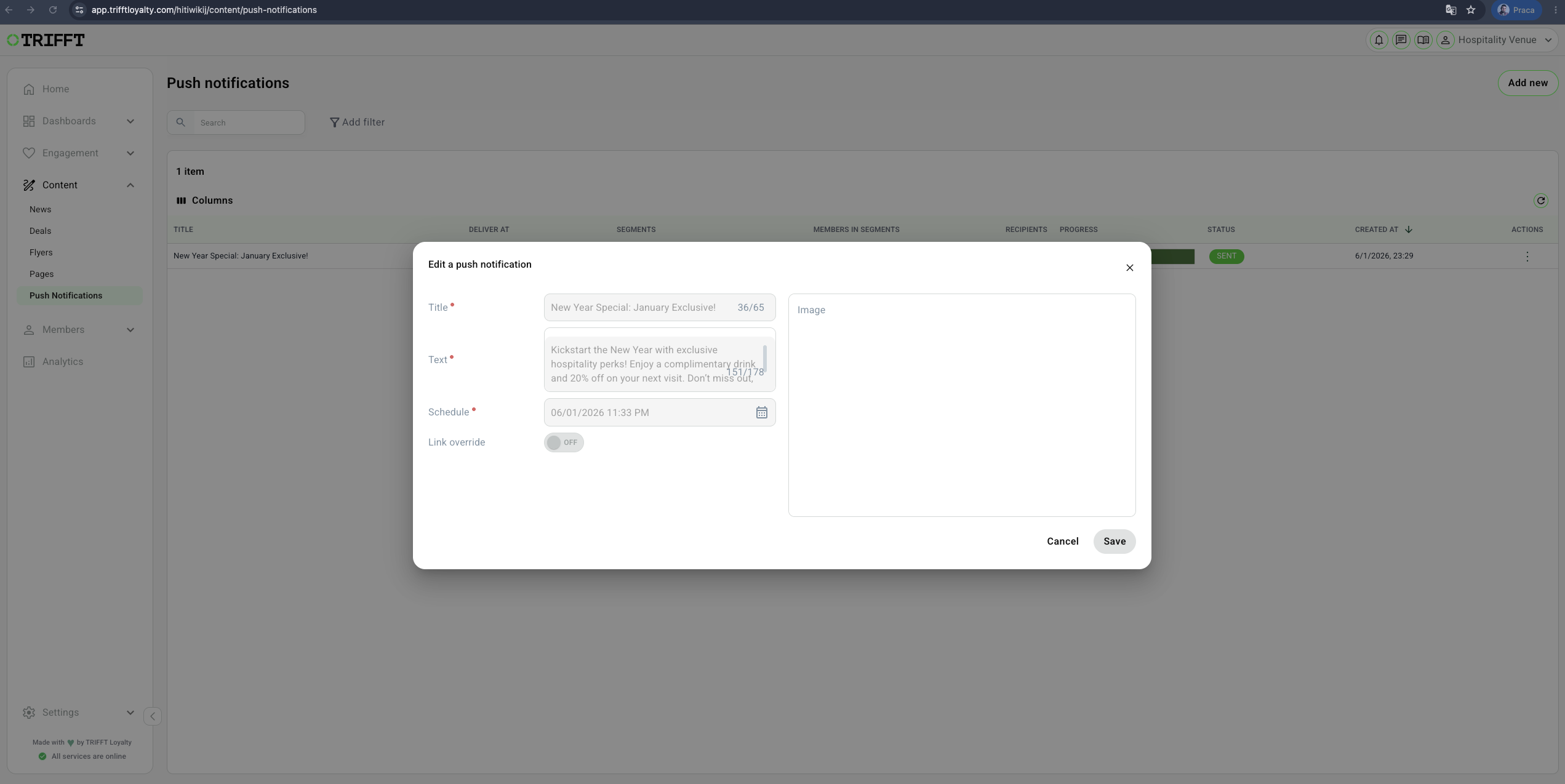
- Navigate to Content Cockpit > Content > Push notifications.
- Click the specific Push notification you wish to see the details of, and right-click Details.
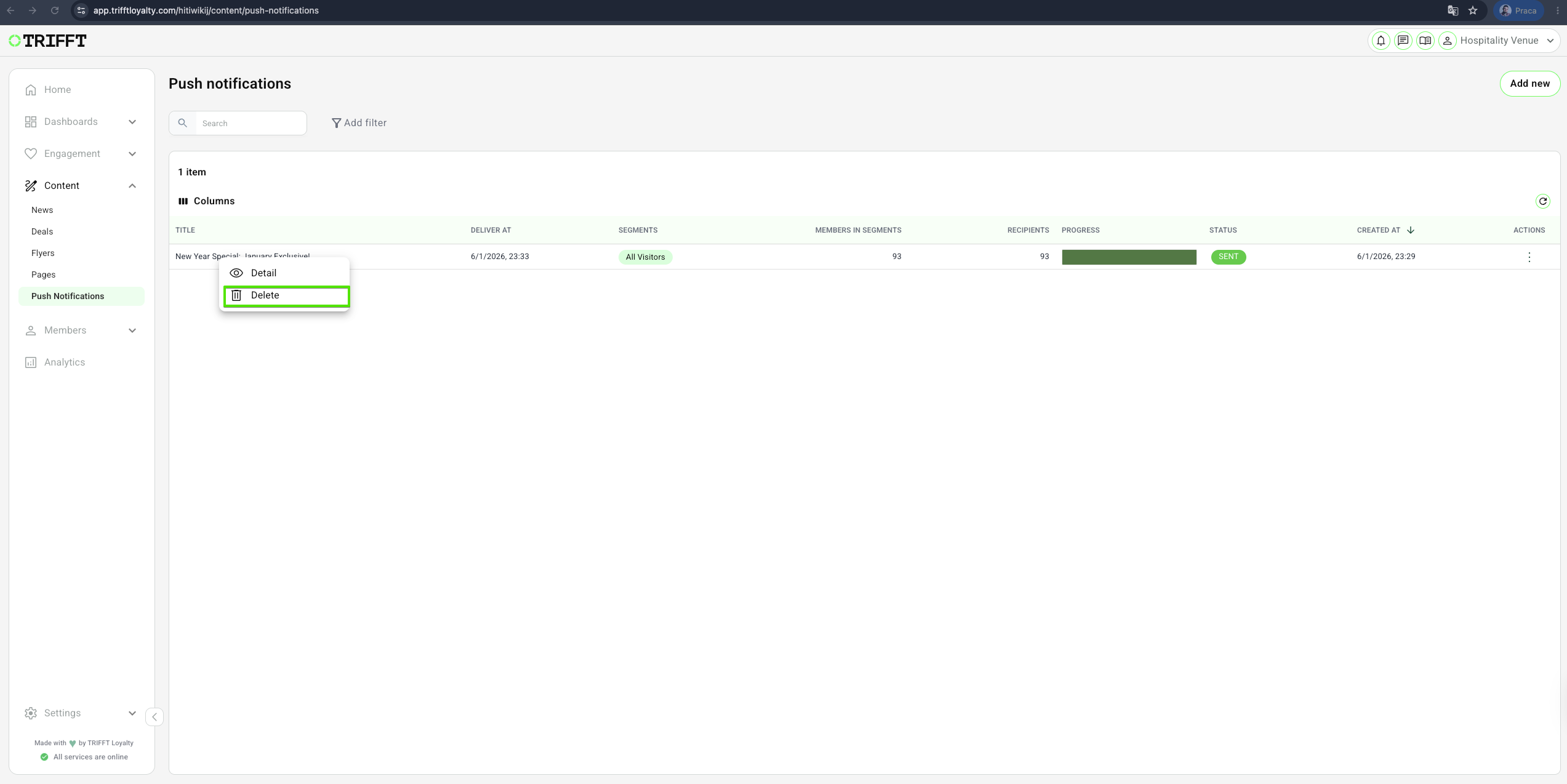
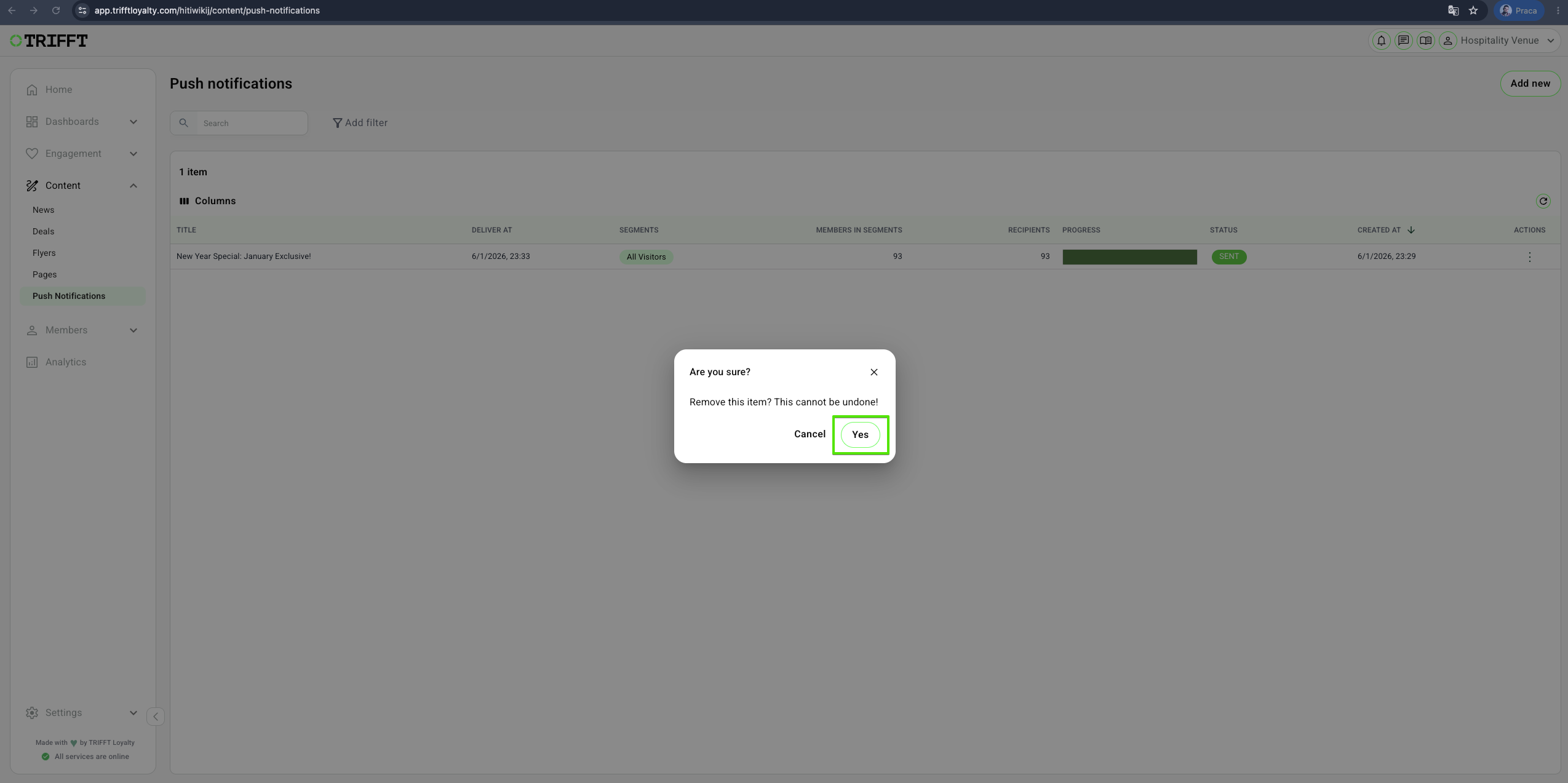
Delete Push notifications
- Navigate to Content Cockpit > Content > Push notifications > Right-click on desired one > Delete > Confirm with Yes
Ongoing management checklist
- Deep Link Reliability: Verify that the linked News, Deal, or Page is currently "Published" and active before the push is sent.
- Audience Volume: Check that the estimated recipient count aligns with expectations for the selected segment.
- Display Optimization: Periodically review how titles and bodies appear on different OS lock screens to ensure the core message isn't truncated.
- Token Fallbacks: Ensure that any personalization tokens used have a logical fallback for members with missing data.
- Consent Check: Monitor that the notification only targets members with active "Push Notification" consent.
- Image Hosting: Confirm that rich media URLs are hosted on reliable servers to prevent broken images in expanded notifications.
Updated 3 months ago
Did this page help you?