
Rewards Other Functions
Edit Reward details
- Navigate to Content Cockpit > Engagement > Rewards.
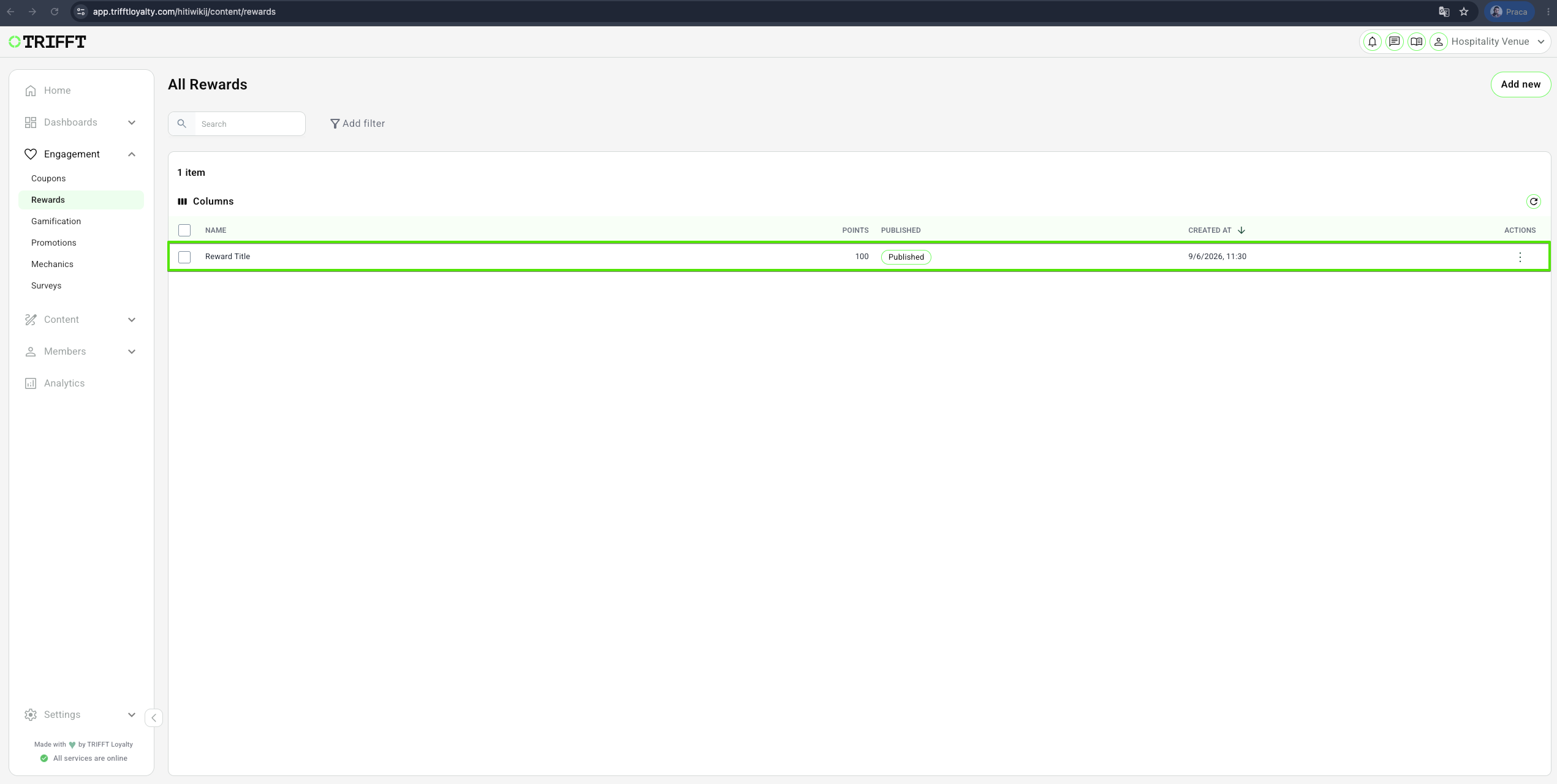
- Click the specific reward you wish to update, and click Edit. Make your changes and Save.
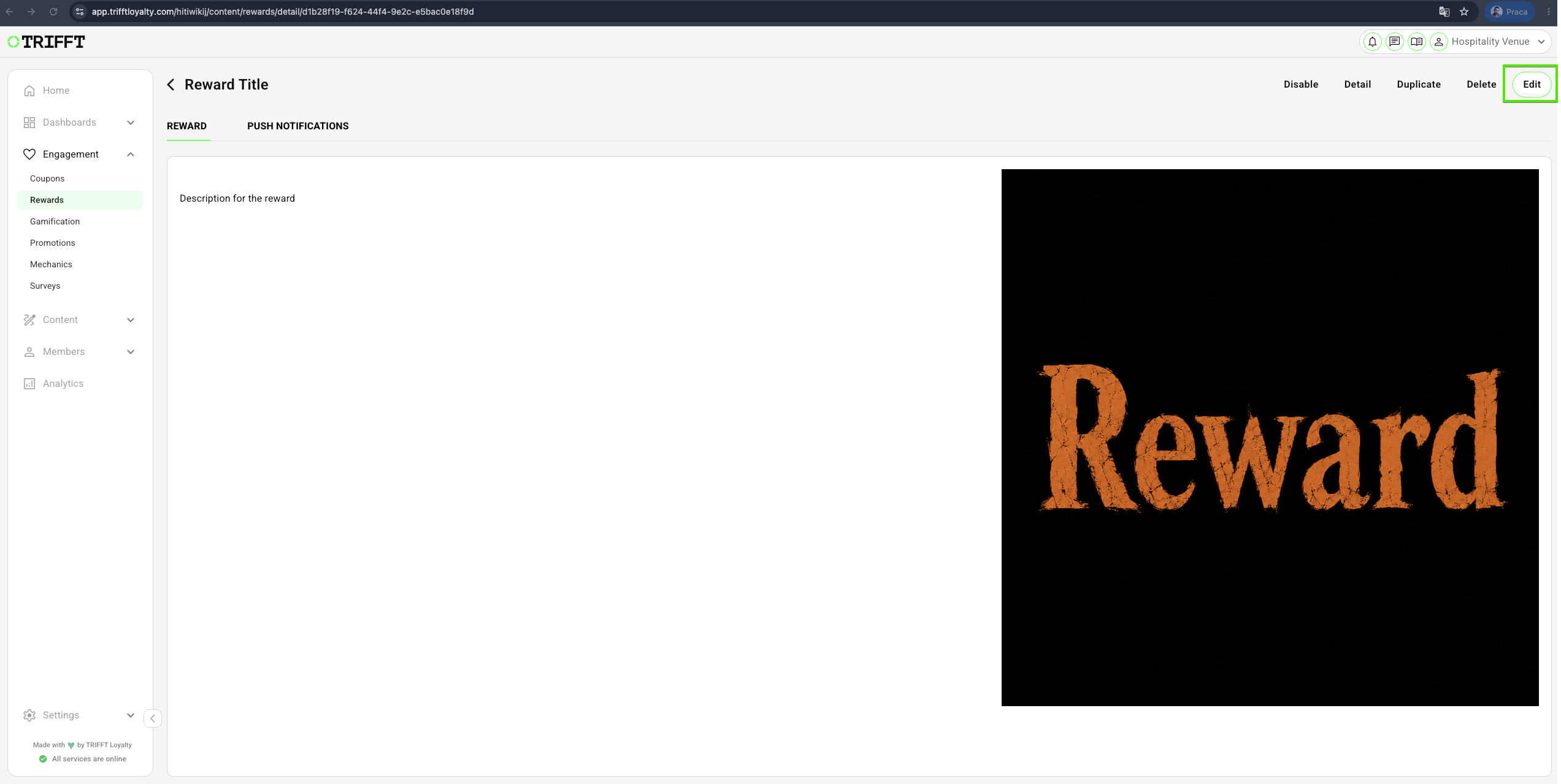
- You can change the point cost or imagery in real-time.
Instant Updates — Changes are reflected in the mobile app immediately upon saving.
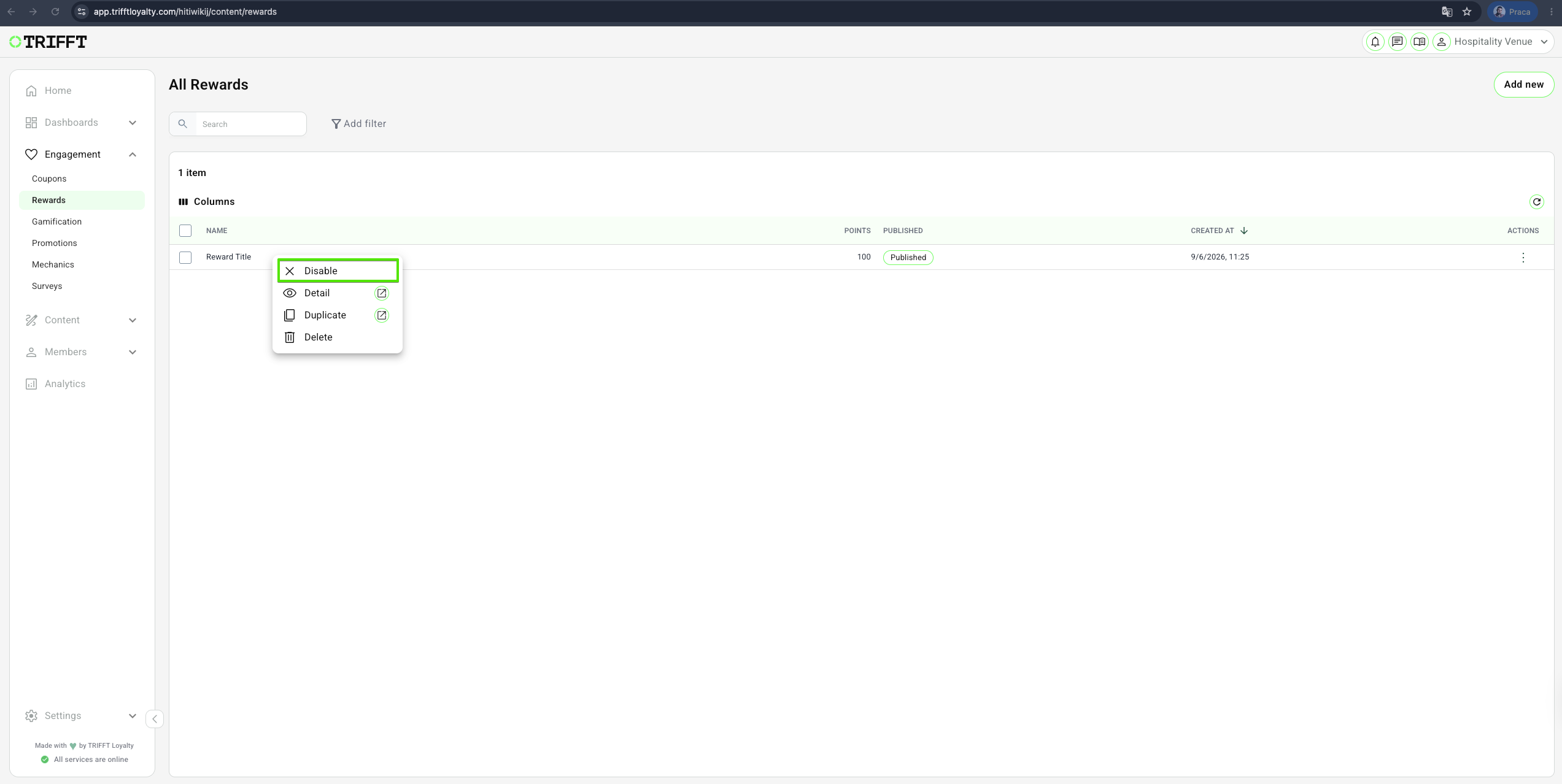
Disable / Enable Rewards
- If a reward is out of stock or seasonal, just Disable it.
- Archiving a reward will remove it from the dashboard, but keep the redemption data in your reports.
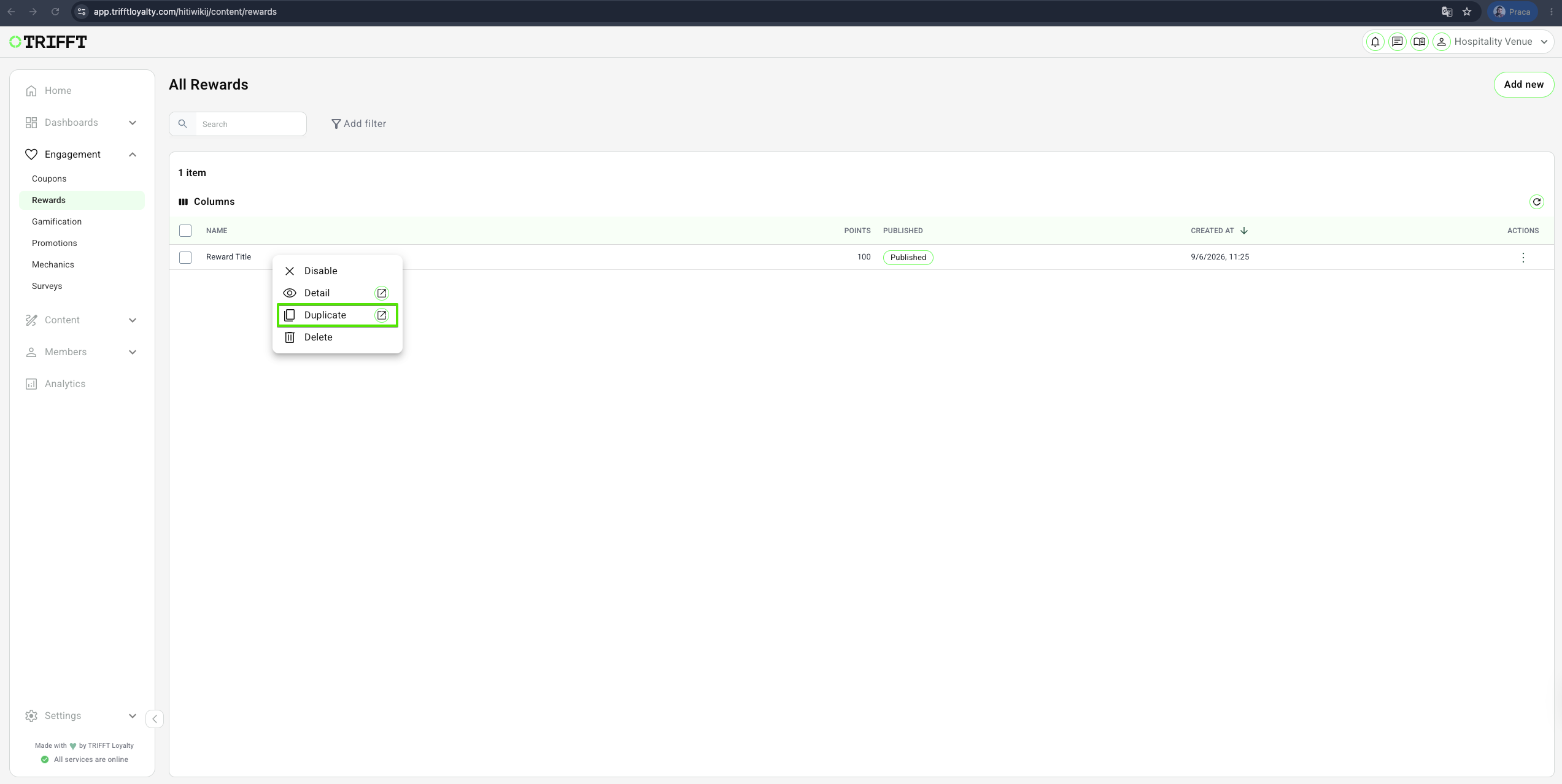
Duplicate Rewards
- Navigate to Content Cockpit > Engagement > Rewards > Right-click on desired one > Duplicate > Save.
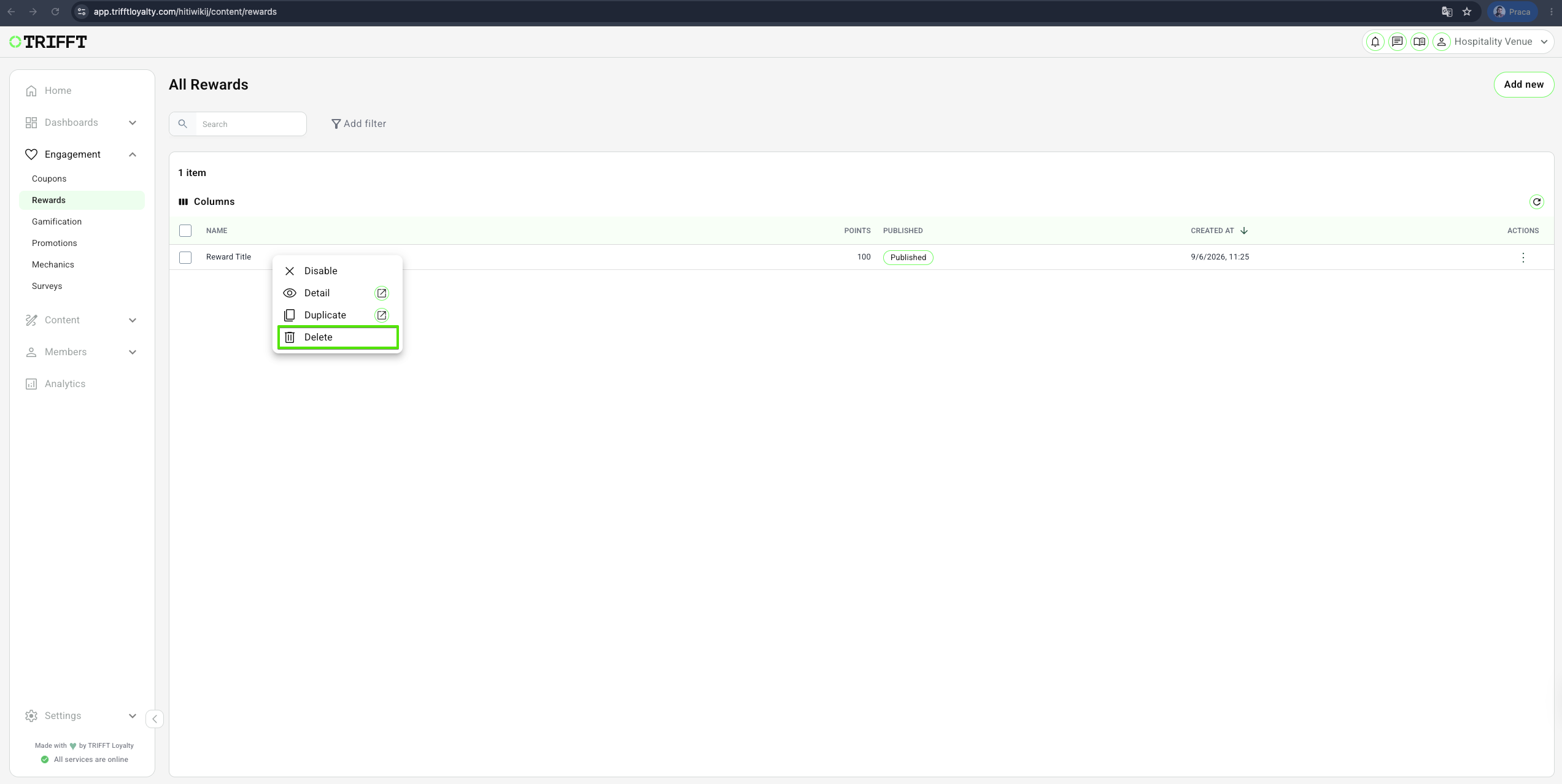
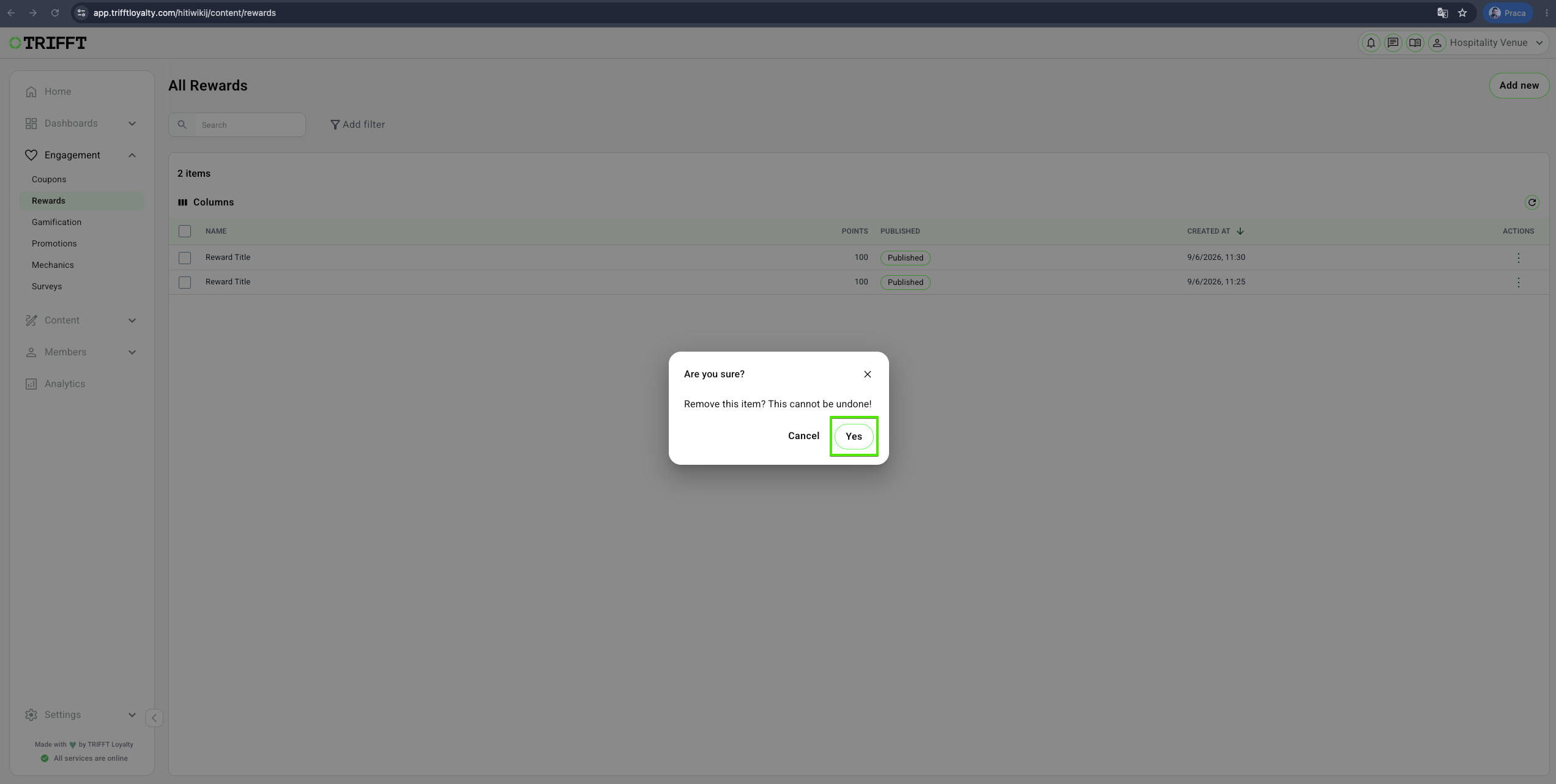
Delete Rewards
- Navigate to Content Cockpit > Engagement > Rewards > Right-click on desired one > Delete > Confirm with Yes
Updated 3 months ago
Did this page help you?