
Locations Other Functions
This guide will help you understand how to manage already existing Locations.
Edit location details
- Navigate to Settings > Locations in the TRIFFT Cockpit.
- Click on the specific location name to open the editor.
- Update addresses, operating hours, or images as needed.
- Click Save to apply changes instantly to the app.
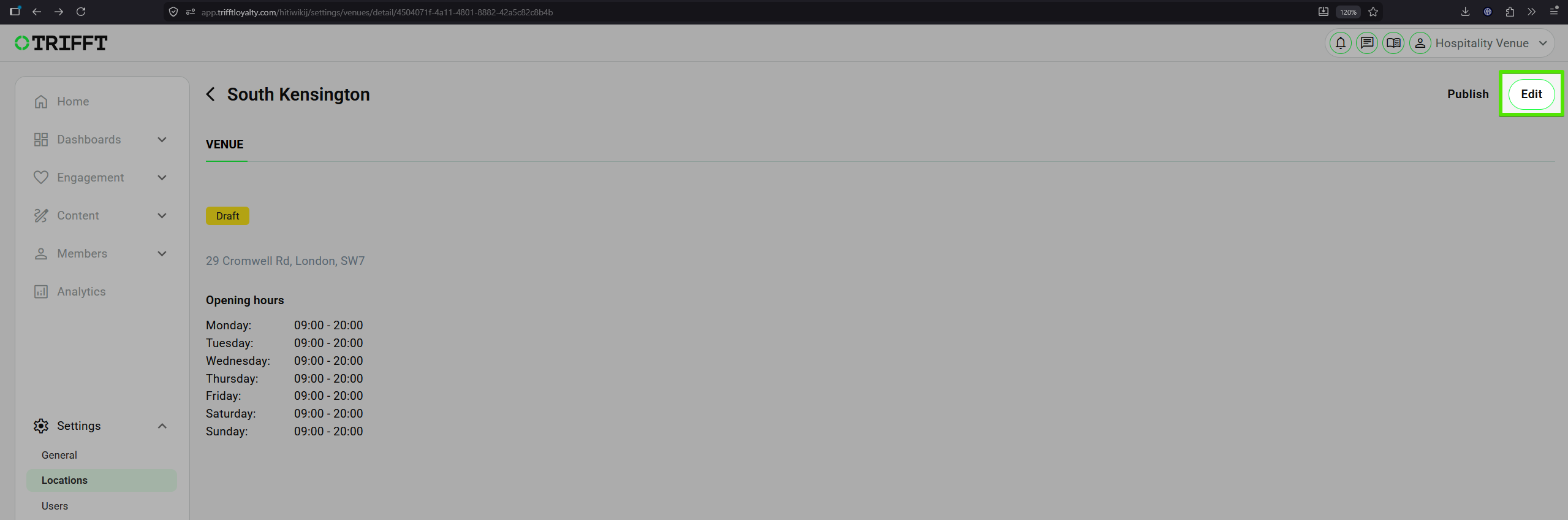
Editing Location
Deactivate/Pause location
- Navigate to Settings > Locations and open the detail of desired Location.
- Click the Unpublish button to switch off the specific Location.
- Confirm that the location no longer appears in the Store Finder.
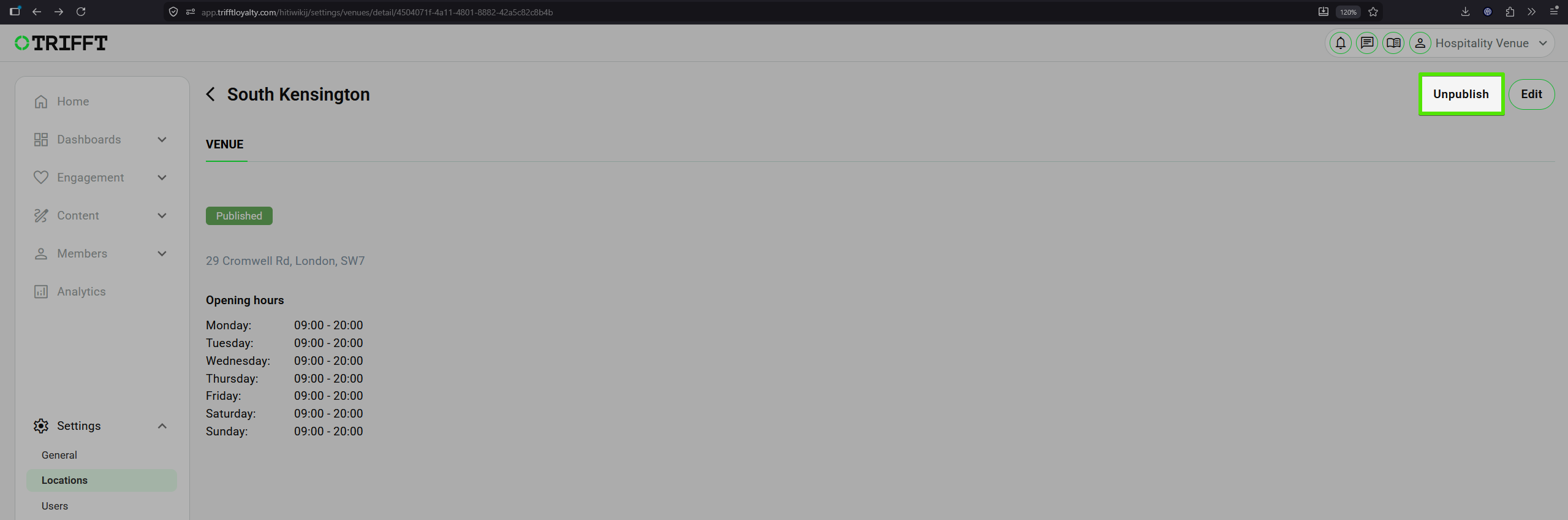
Un/Publishing Location
Delete location
- Open the list of your Locations.
- Select the location and click the 3 dots icon (you can also use right-click).
- Click Delete and confirm the deletion in the pop-up.
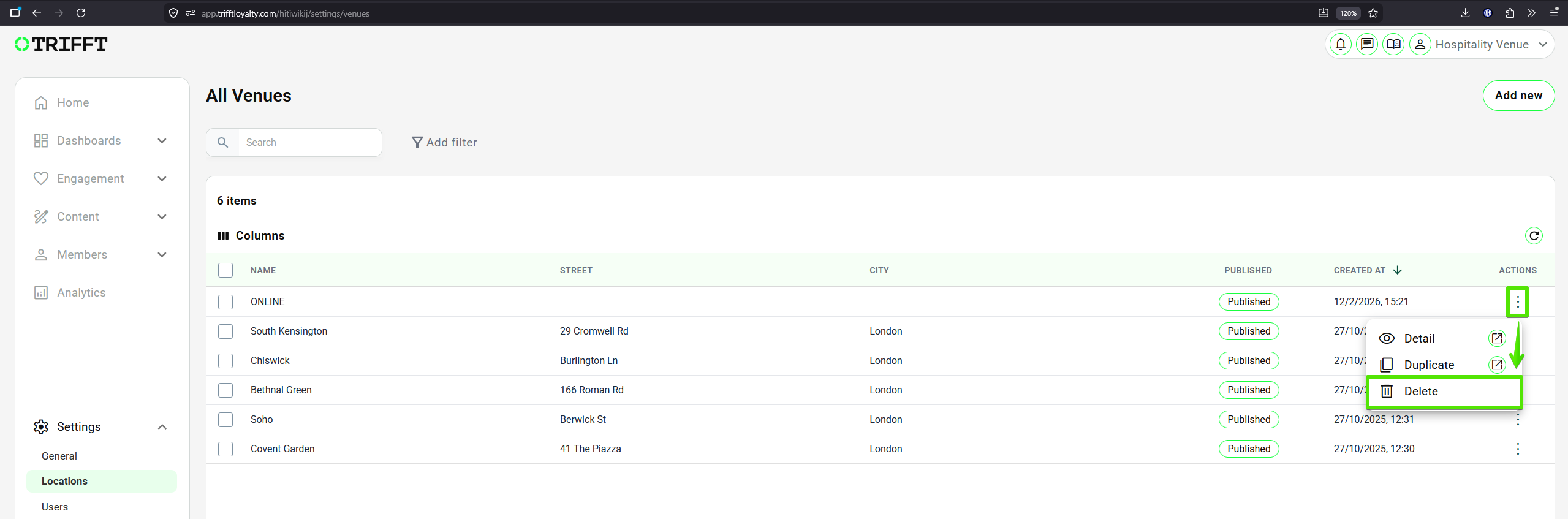
Deleting Location
Note — Historical transaction data remains attached to the ID.
Updated 3 months ago
Did this page help you?