
Loyalty Mechanics Other Functions
Disable actual mechanics
You can enable/disable your actual mechanics anytime:
-
Navigate to Engagement> Mechanics and select the desired mechanic. Click the button Enable / Disable in the top right corner to turn this mechanic on or off:
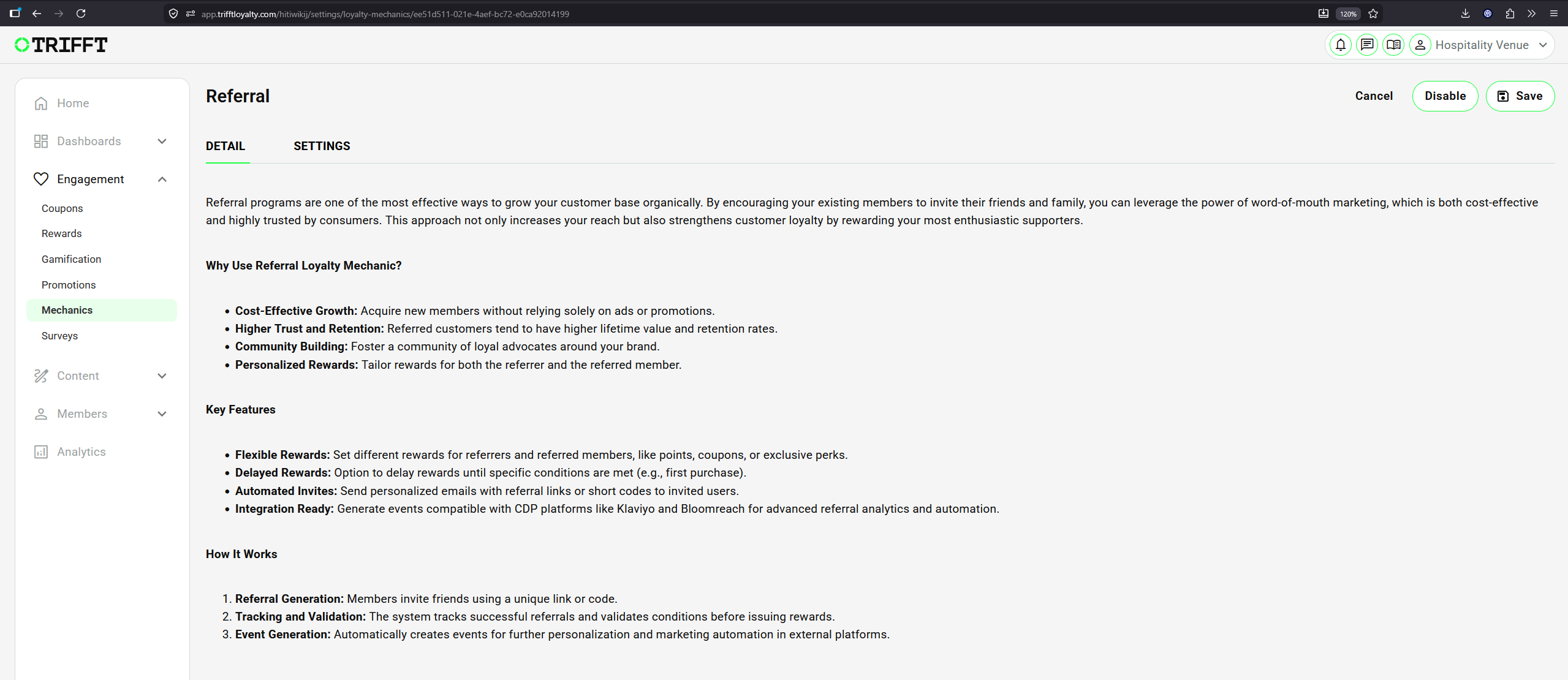
-
Click Save to apply changes immediately.
Note — Changes will only apply to new transactions moving forward. Existing points in member wallets will not be retroactively changed.
Editing actual mechanics
- You can adjust settings of your actual mechanics anytime:
- Navigate to Engagement> Mechanics and select the desired mechanic.
- Open the Settings tab and make your changes.
- Click on the Save button in the top right corner.
This is useful for seasonal rules or maintenance periods.
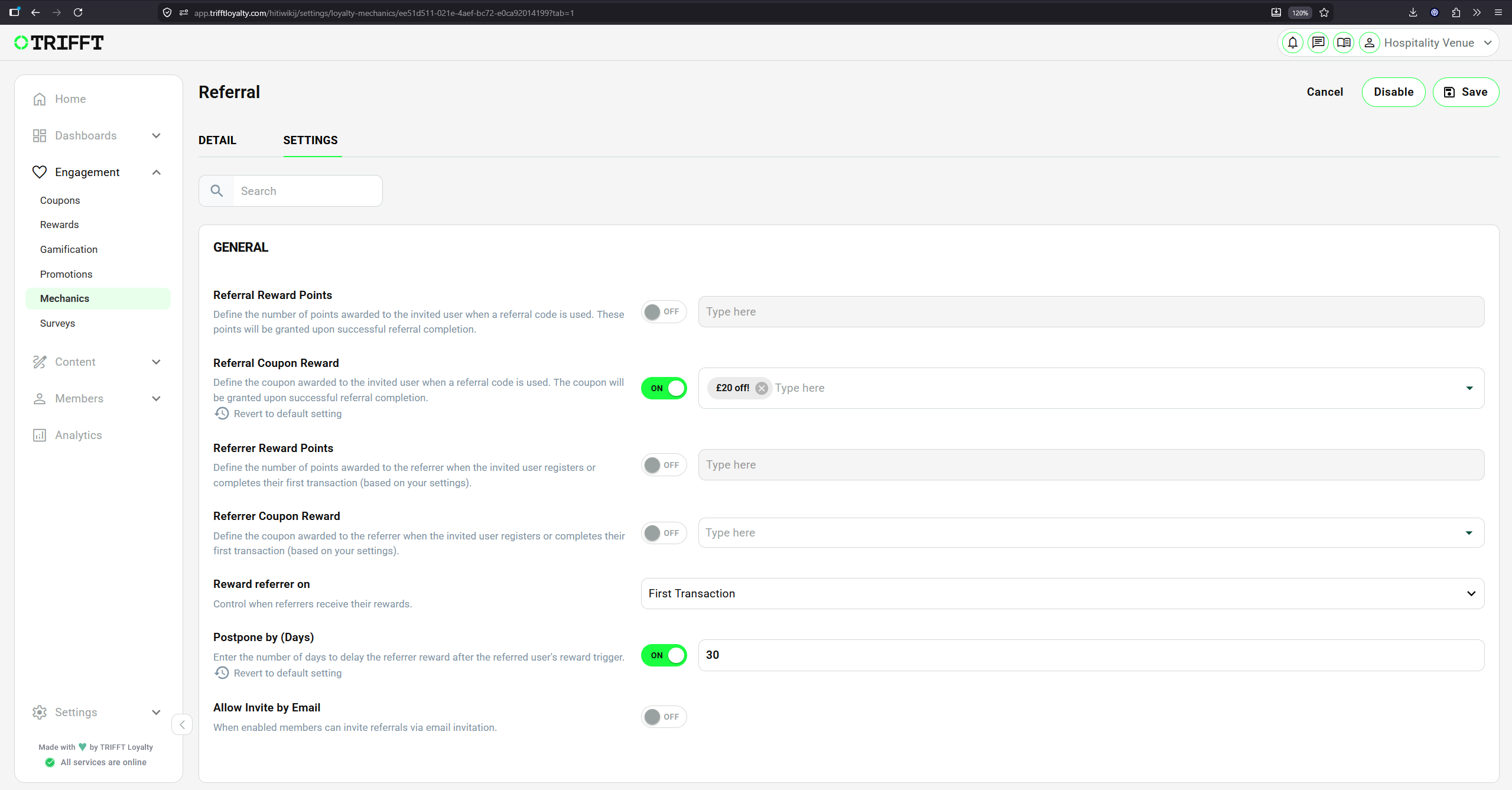
Follow the instructions on the Settings tab and Save your changes
Note — Changes will only apply to new transactions moving forward. Existing points in member wallets will not be retroactively changed.
Updated 3 months ago
Did this page help you?