
Pages Other Functions
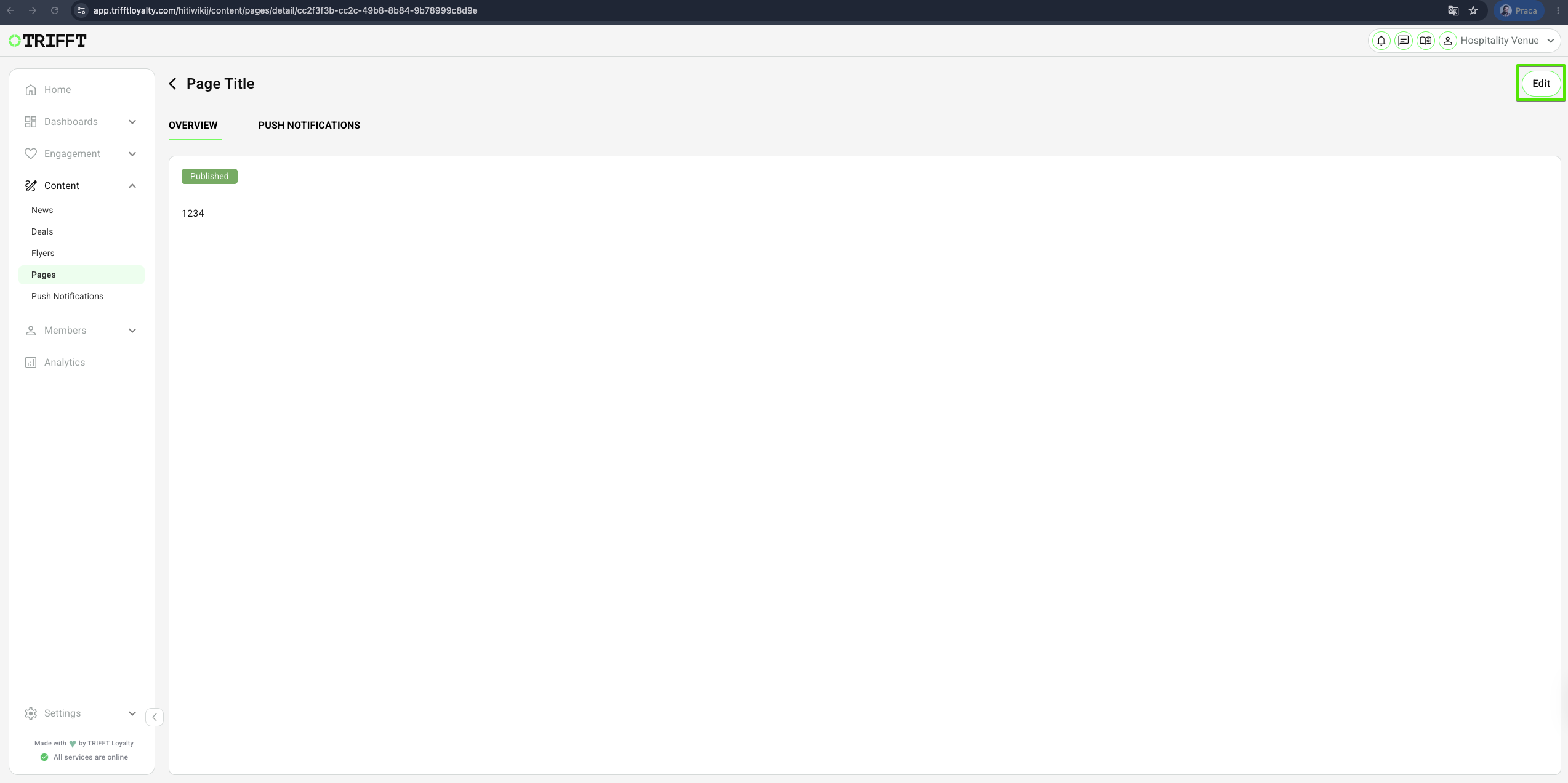
Edit Pages details
- Navigate to Content Cockpit > Content > Pages.
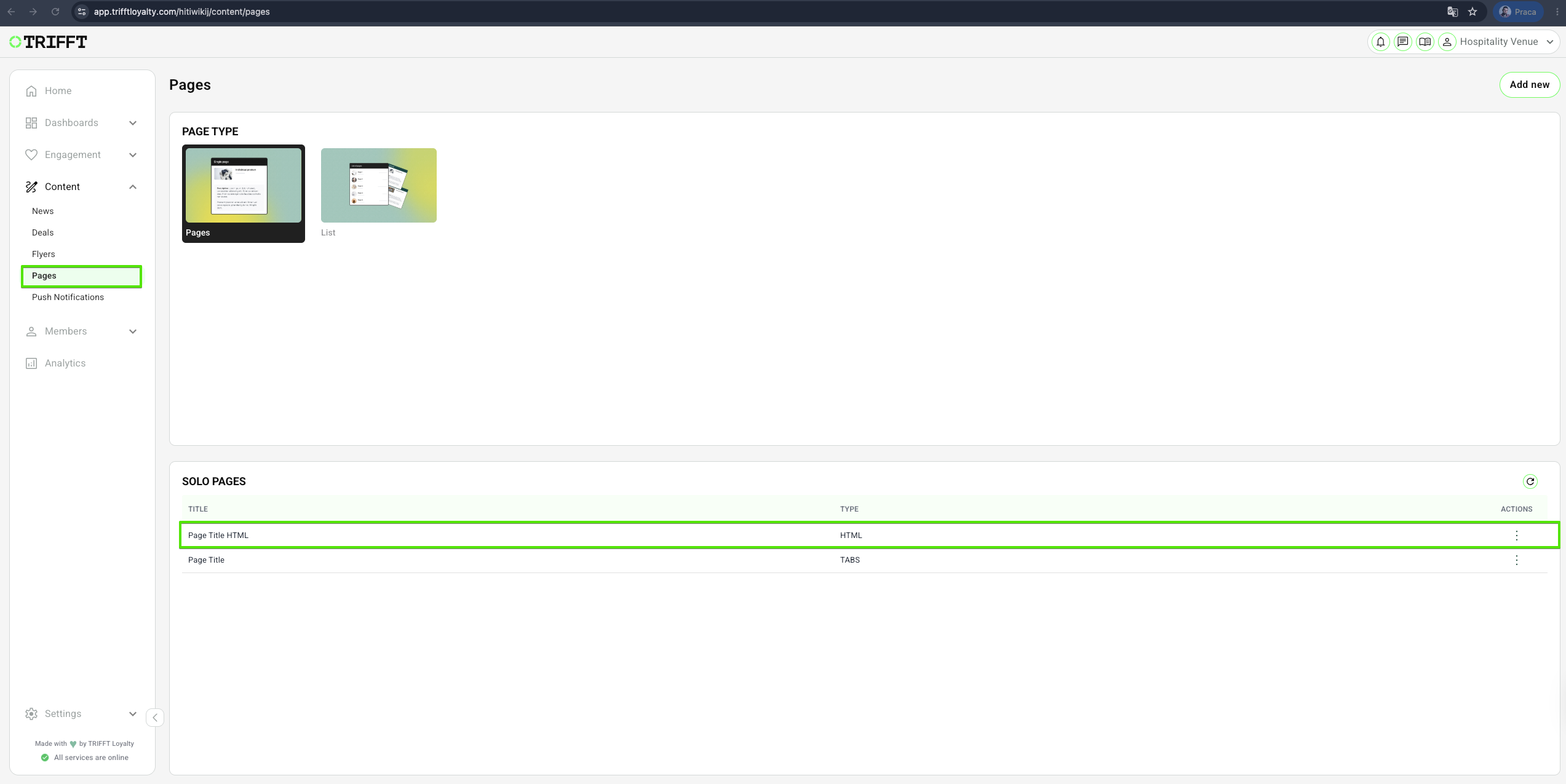
- Click the specific reward you wish to update, and click Edit. Make your changes and Save.
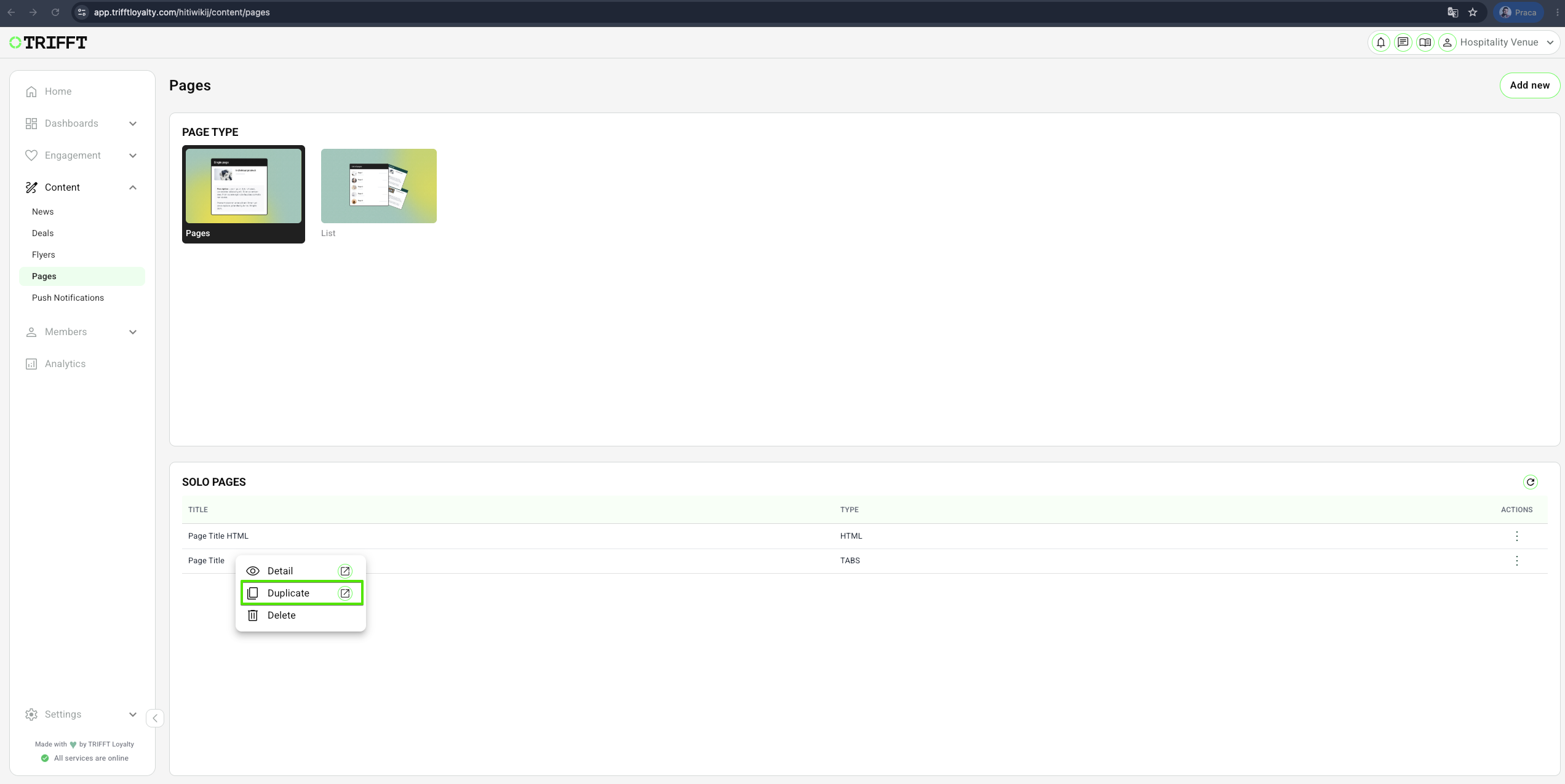
Duplicate Pages
- Navigate to Content Cockpit > Content > Pages > Right-click on desired one > Duplicate > Save.
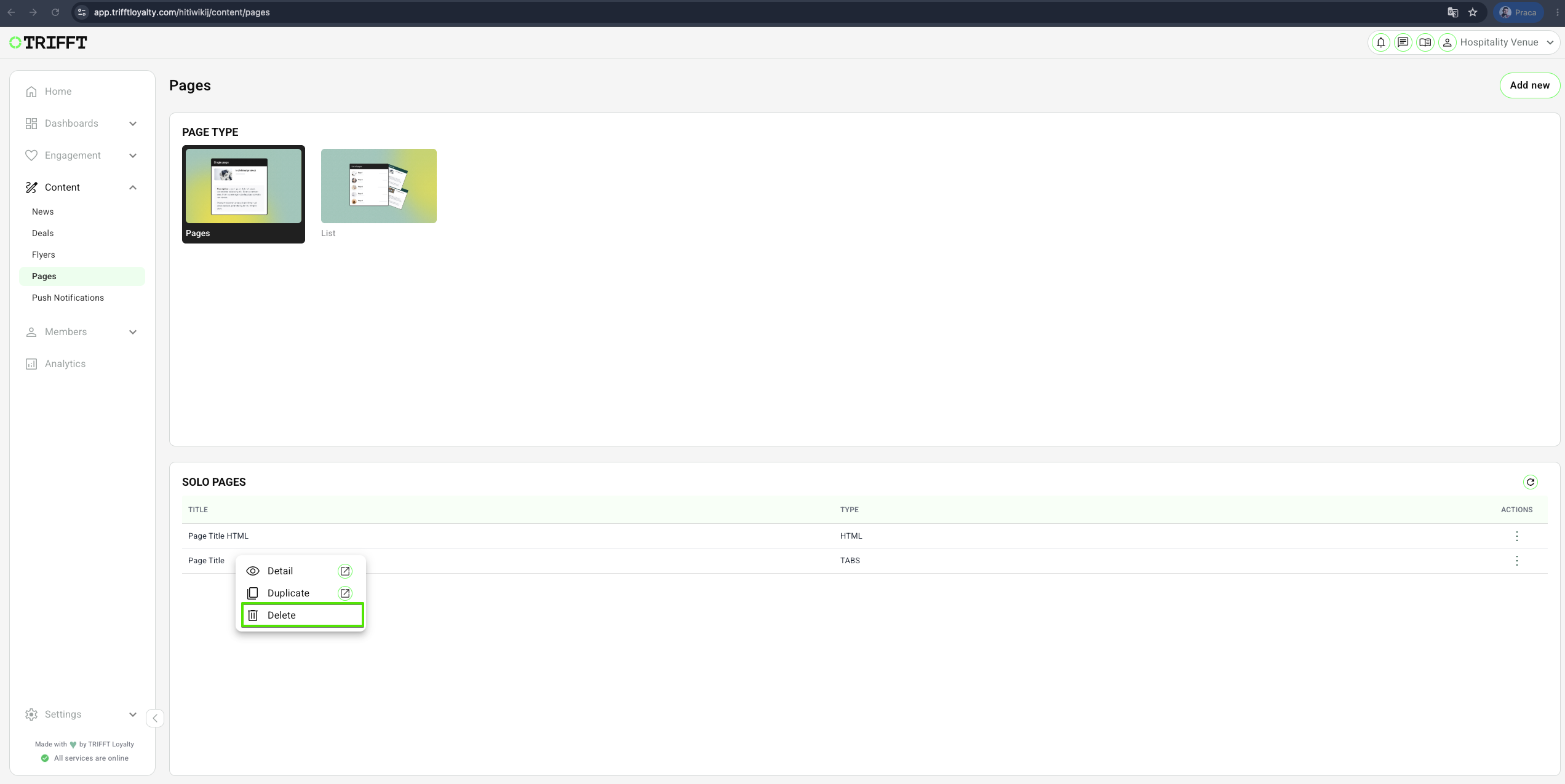
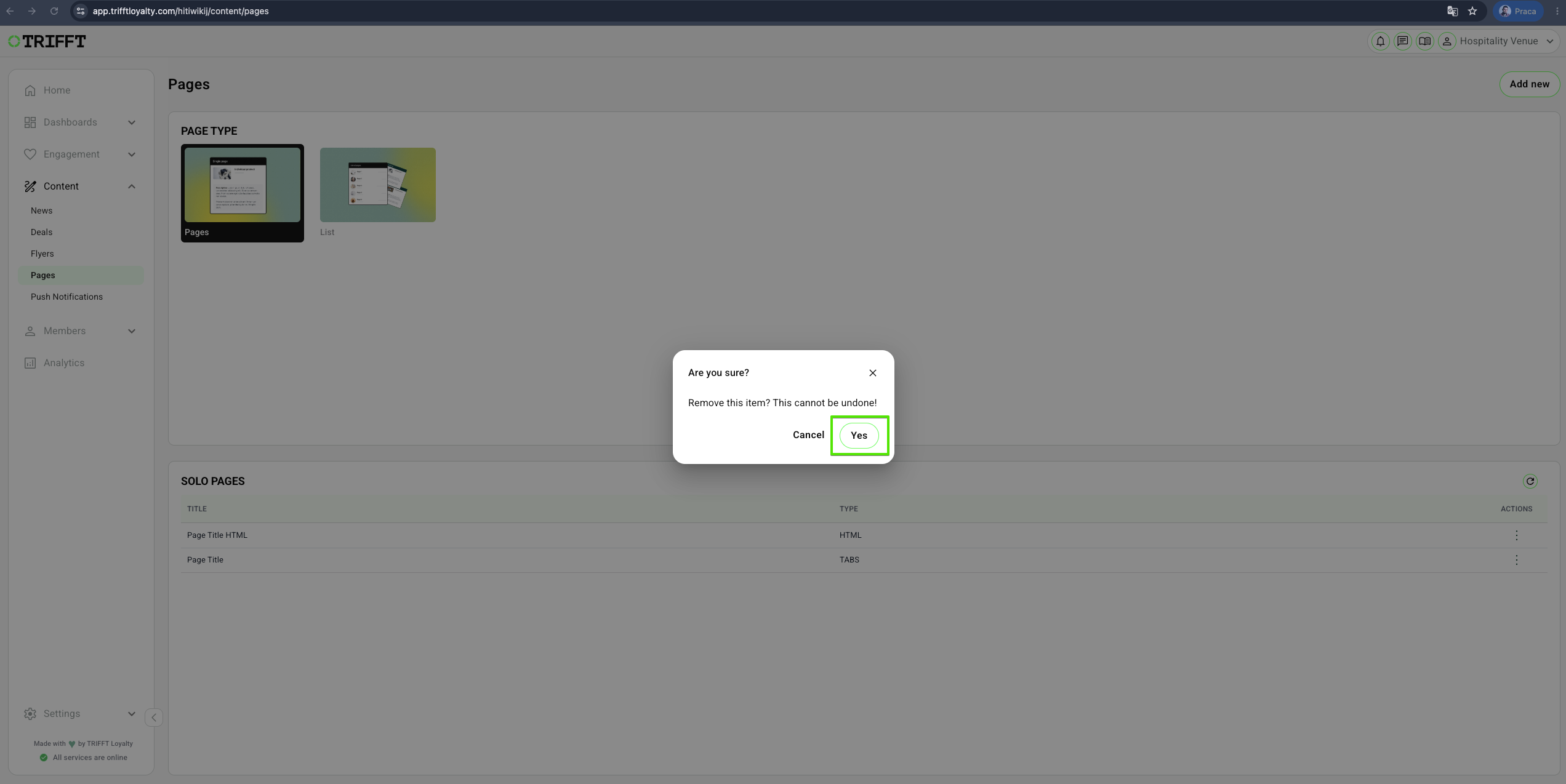
Delete Pages
- Navigate to Content Cockpit > Content > Pages > Right-click on desired one > Delete > Confirm with Yes
| Topic / function | Pages |
|---|---|
| Audience | CRM / Marketing Ops / Lifecycle owner |
| Goal | Maintain, edit, pause, troubleshoot, and improve the setup over time |
Other functions covered
- Content Lifecycle Updates: Modifying body text, legal terms, or FAQ answers to ensure accuracy.
- URL Slug Management: Updating page paths for SEO or internal organization.
- Navigation Hierarchy: Reorganizing parent and child pages to improve member UX.
- Deep Link Auditing: Ensuring that links pointing to these pages from Push or News remain functional.
Ongoing management checklist
- Link Integrity: Whenever a Slug is changed, all referring News, Deals, and Push Notifications are updated with the new link.
- Translation Sync: Every content update in the primary language is immediately mirrored in the Translations tab for all active locales.
- Token Validation: Personalization tokens are checked periodically to ensure they are pulling the correct member attributes.
- Asset Optimization: Any new images added to the page are compressed for fast loading on mobile data connections.
- Compliance Check: Legal pages (Privacy Policy, T&Cs) are reviewed quarterly to ensure they reflect current program rules.
- Redundancy Audit: Outdated or redundant pages are archived to keep the Cockpit and App navigation clean.
Updated 3 months ago
Did this page help you?